✅ GST Registered: 27AADPZ2668Q1ZO | 🏬 Store: Lamington Road, Mumbai | 📞 Call: +91 080696 40588 | ✉️ support@computerselection.shop
PC Components Buying Guide India 2026: Graphics Cards, Processors, RAM, SSD & More
Planning a new gaming PC, workstation or office upgrade? This guide from Computer Selection, Lamington Road, Mumbai explains how to choose every part – with live prices from our store and expert tips from a team that has been building PCs since 2003.
1. How to Choose a Graphics Card (GPU)
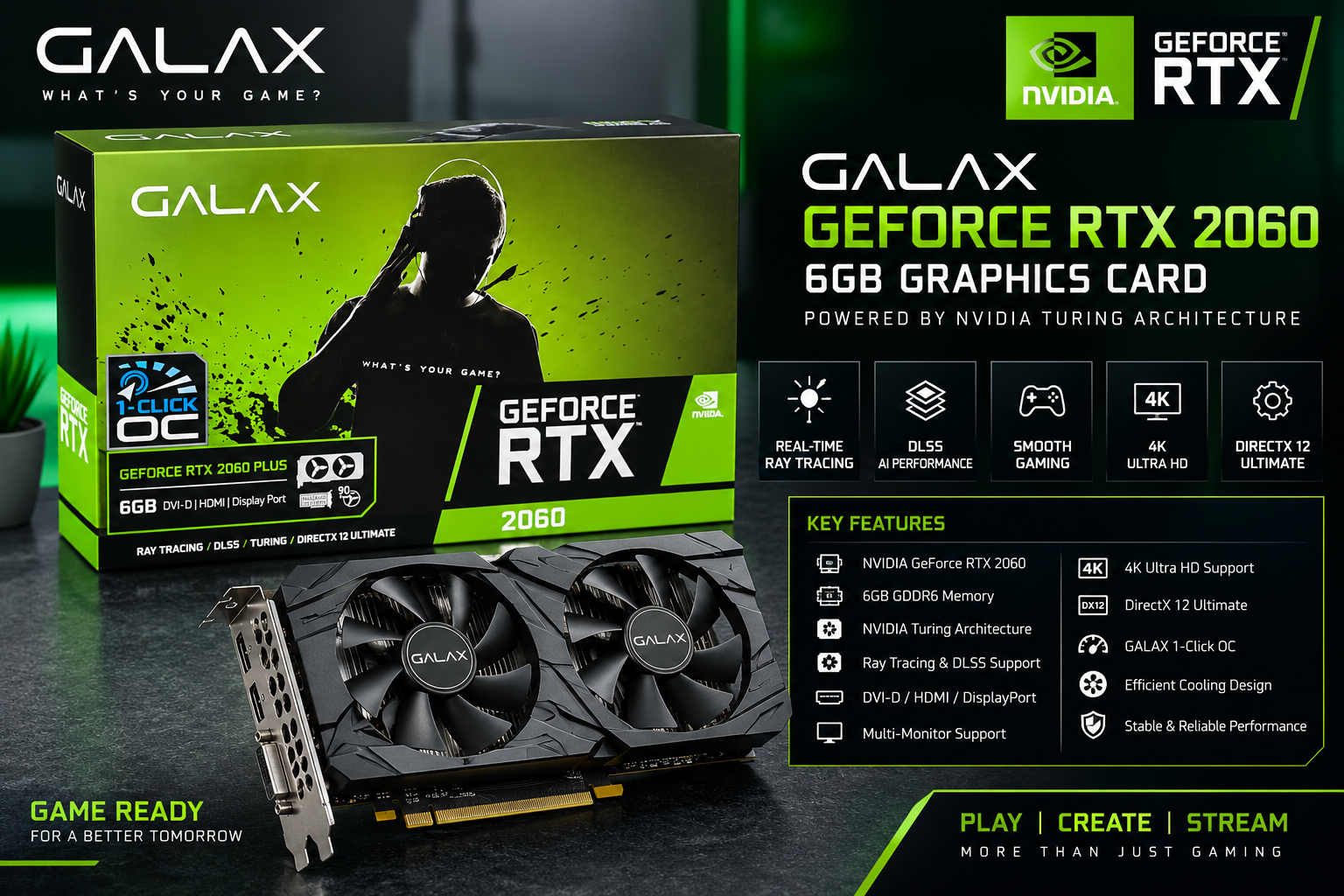
The graphics card has the biggest effect on gaming performance and on creative work such as video editing, 3D rendering and AI. Start with the resolution and refresh rate of your monitor, then choose a card that can drive it.
Match the GPU to your screen
- 1080p (Full HD) gaming: entry and mid-range cards are usually enough for smooth gameplay.
- 1440p (QHD) gaming: choose an upper mid-range card with at least 12–16GB of video memory.
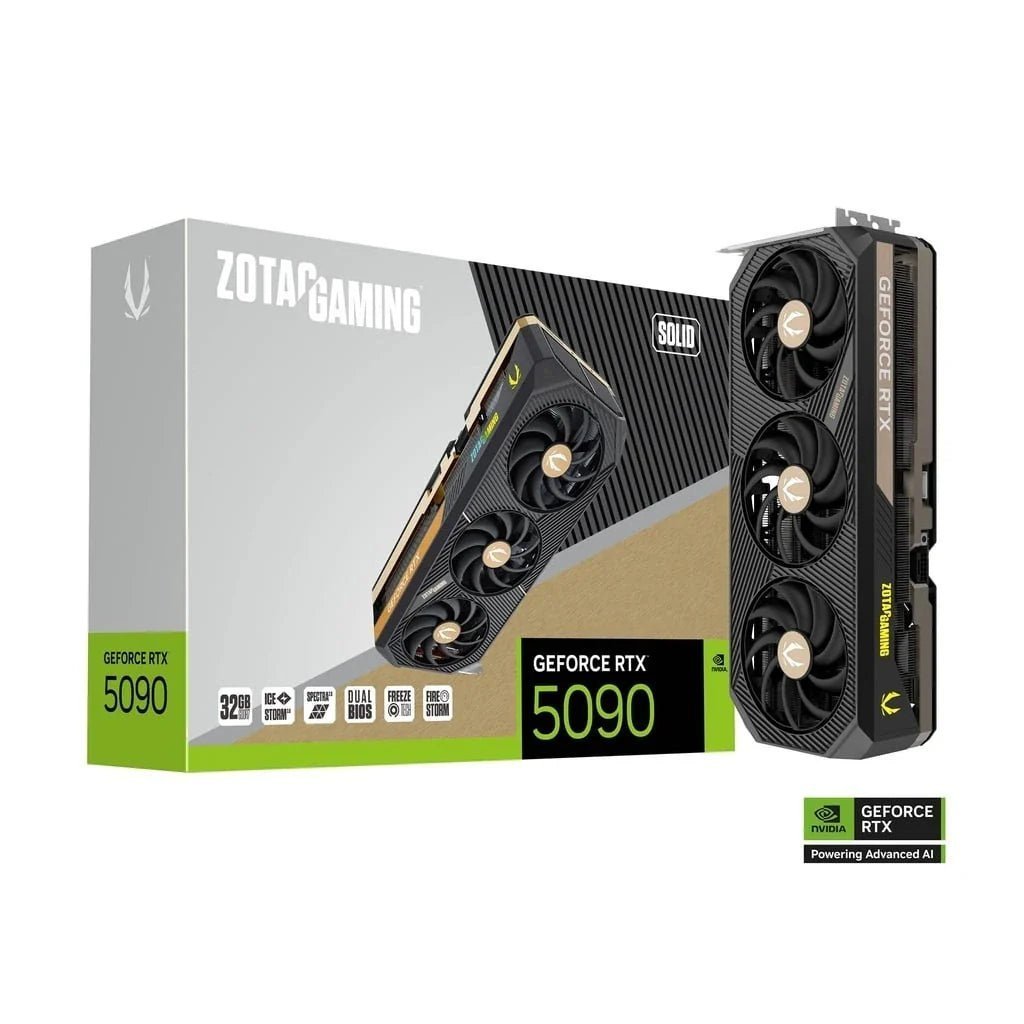
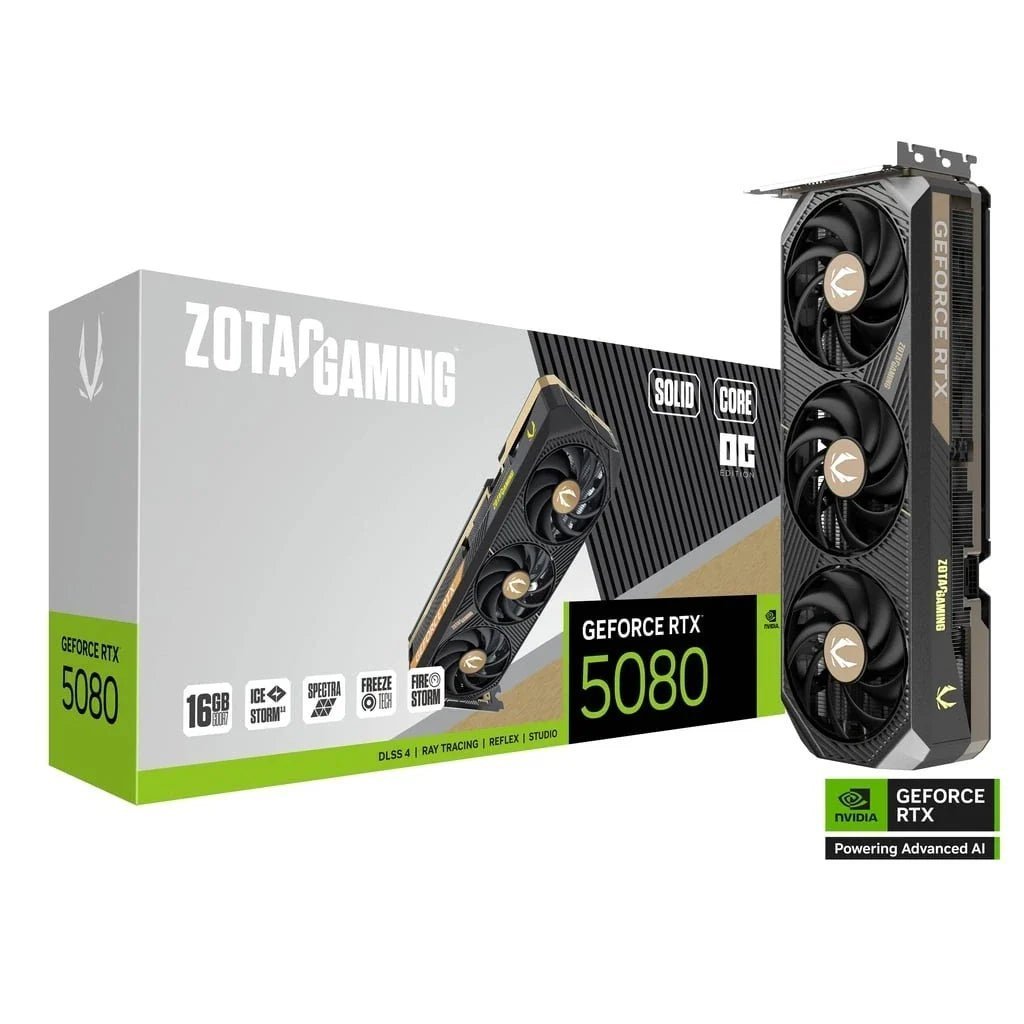
- 4K gaming and heavy creative work: high-end cards such as the GeForce RTX 5080 or RTX 5090 make the most sense.
NVIDIA or AMD?
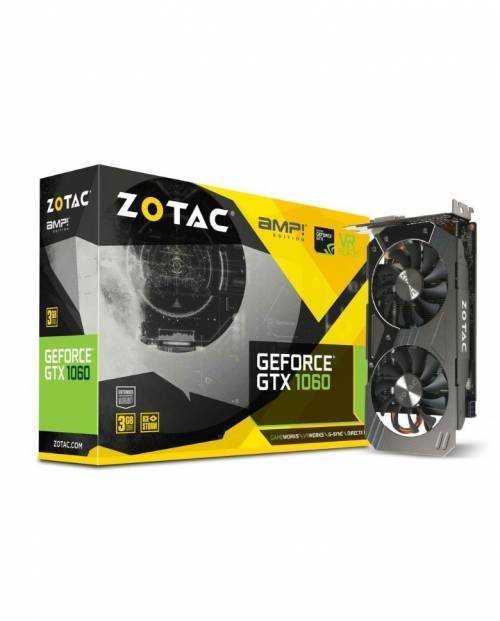
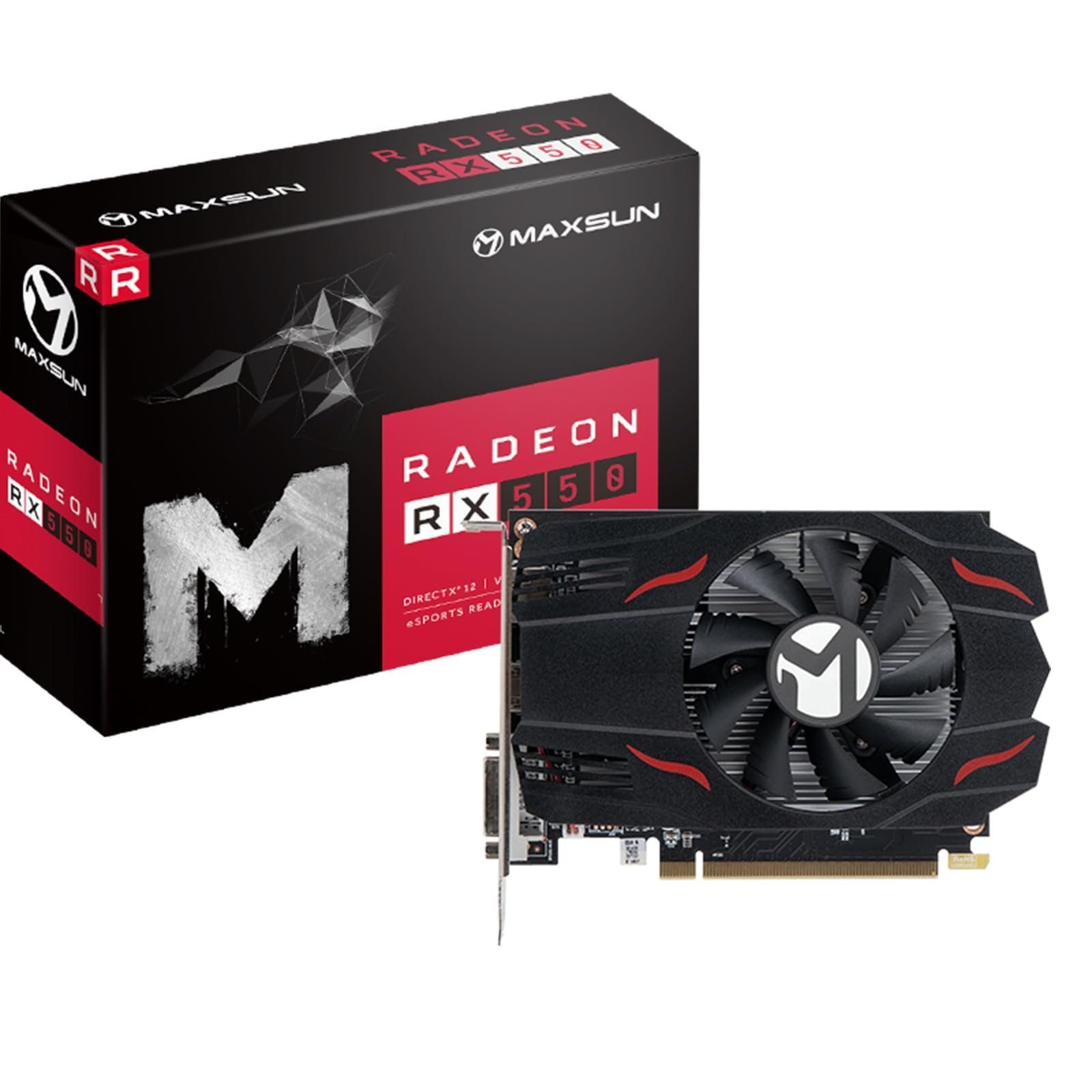
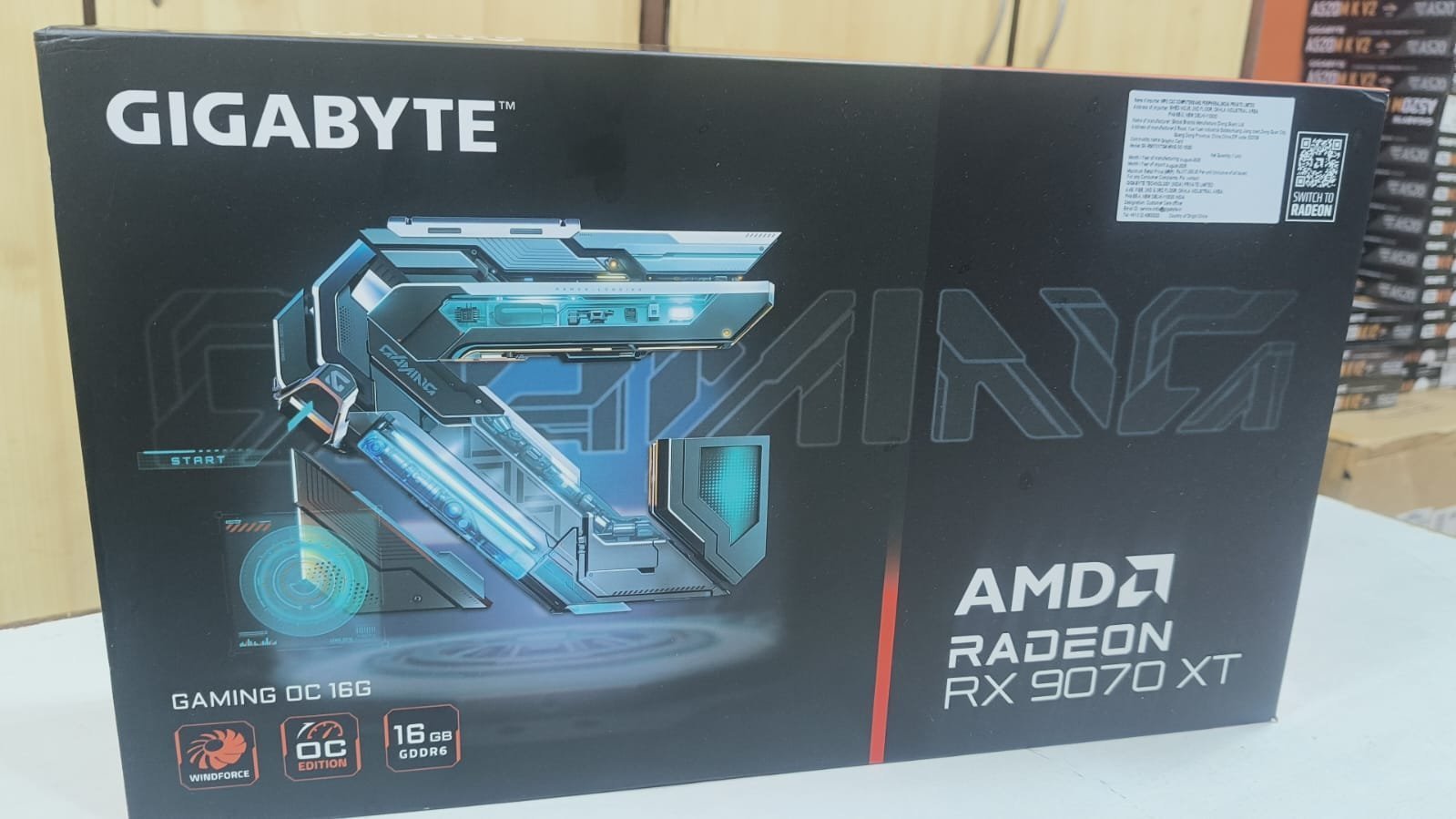
NVIDIA GeForce RTX cards are popular for ray tracing, DLSS upscaling and strong support in creative and AI software. AMD Radeon cards often offer excellent value for raw gaming performance per rupee. Both are great choices – the right one depends on your games, software and budget.
-
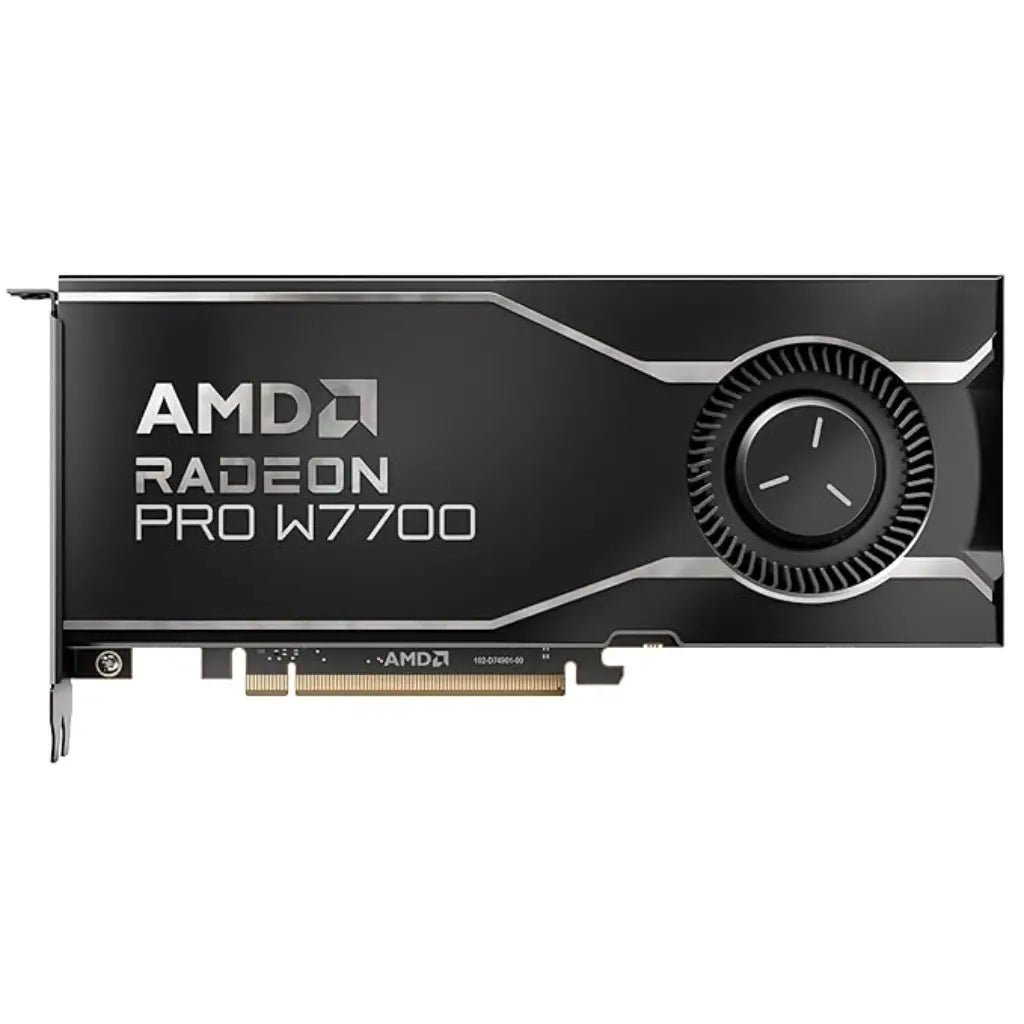
AMD Radeon PRO W7700 16GB GDDR6 Professional Workstation Graphics Card
Original price was: ₹109,307.00.₹103,880.00Current price is: ₹103,880.00.

2. How to Choose a Processor (CPU)
The processor runs your operating system, games and applications. For gaming, high single-core speed matters most; for video editing, rendering and multitasking, more cores and threads help.
- Everyday and office use: a 4–6 core processor is plenty.
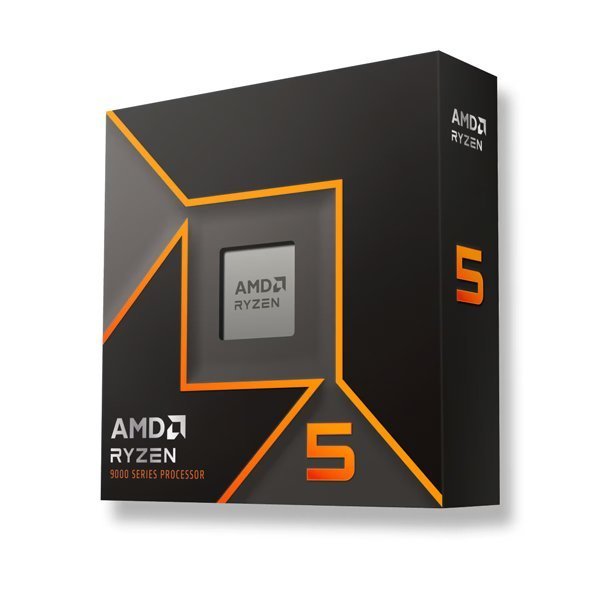
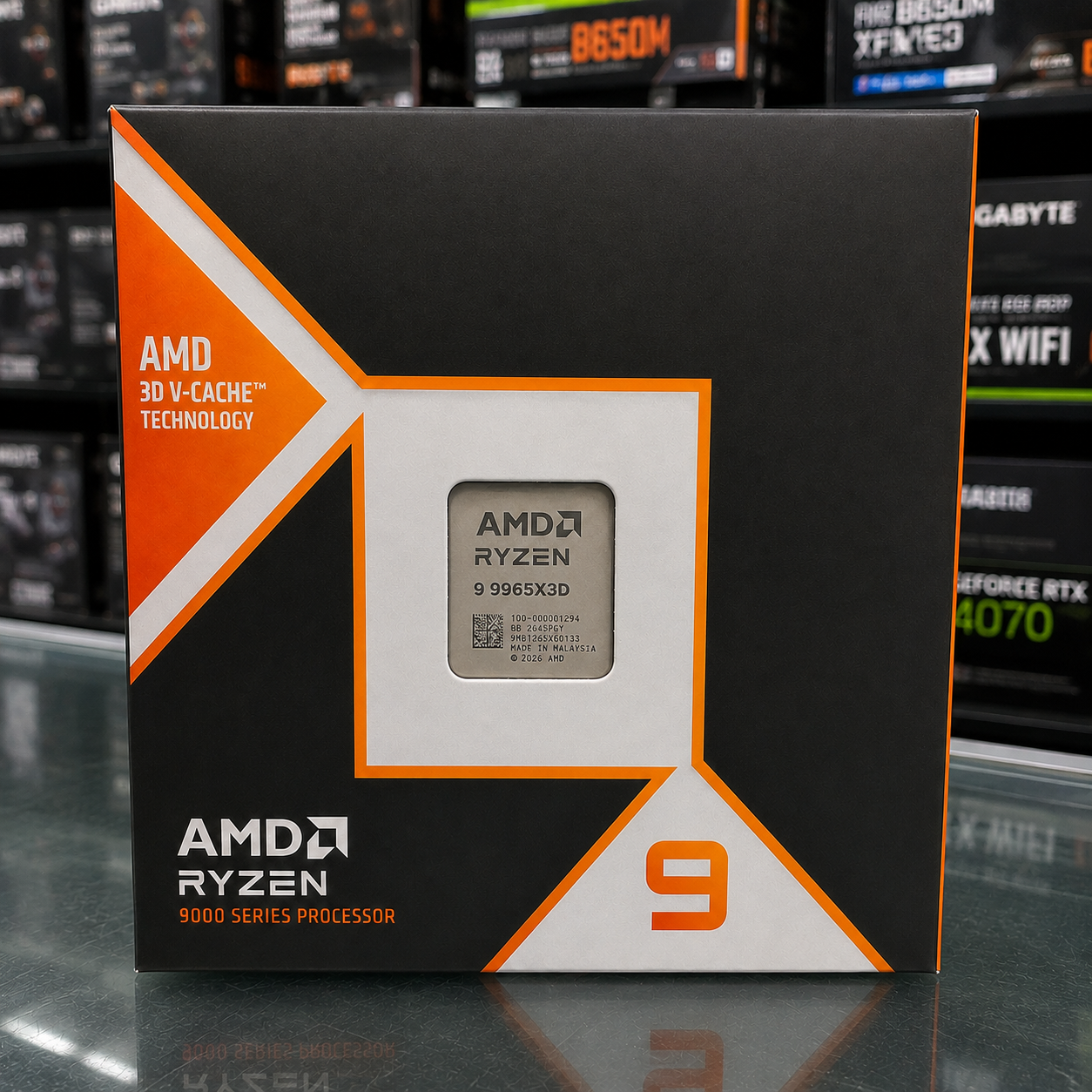
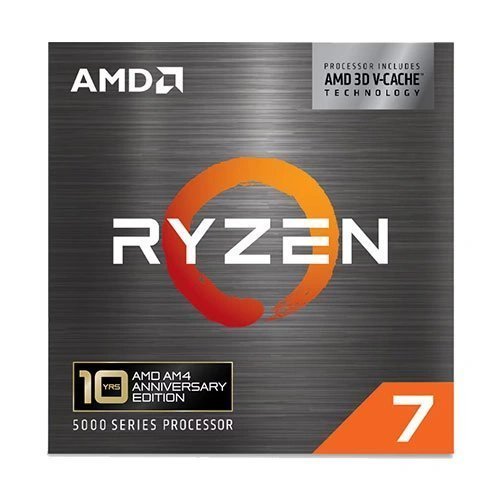
- Gaming: a modern 6–8 core CPU such as the AMD Ryzen 5 9600X or Ryzen 7 5800X3D pairs well with most graphics cards.
- Workstations: 12-core and higher CPUs, up to AMD Ryzen Threadripper PRO, cut rendering and compile times.
-

AMD Ryzen Threadripper PRO 9985WX 64-Core 128-Thread 5.4GHz High-Performance Workstation Processor (Tray Version)
Original price was: ₹1,087,506.00.₹820,162.00Current price is: ₹820,162.00. -
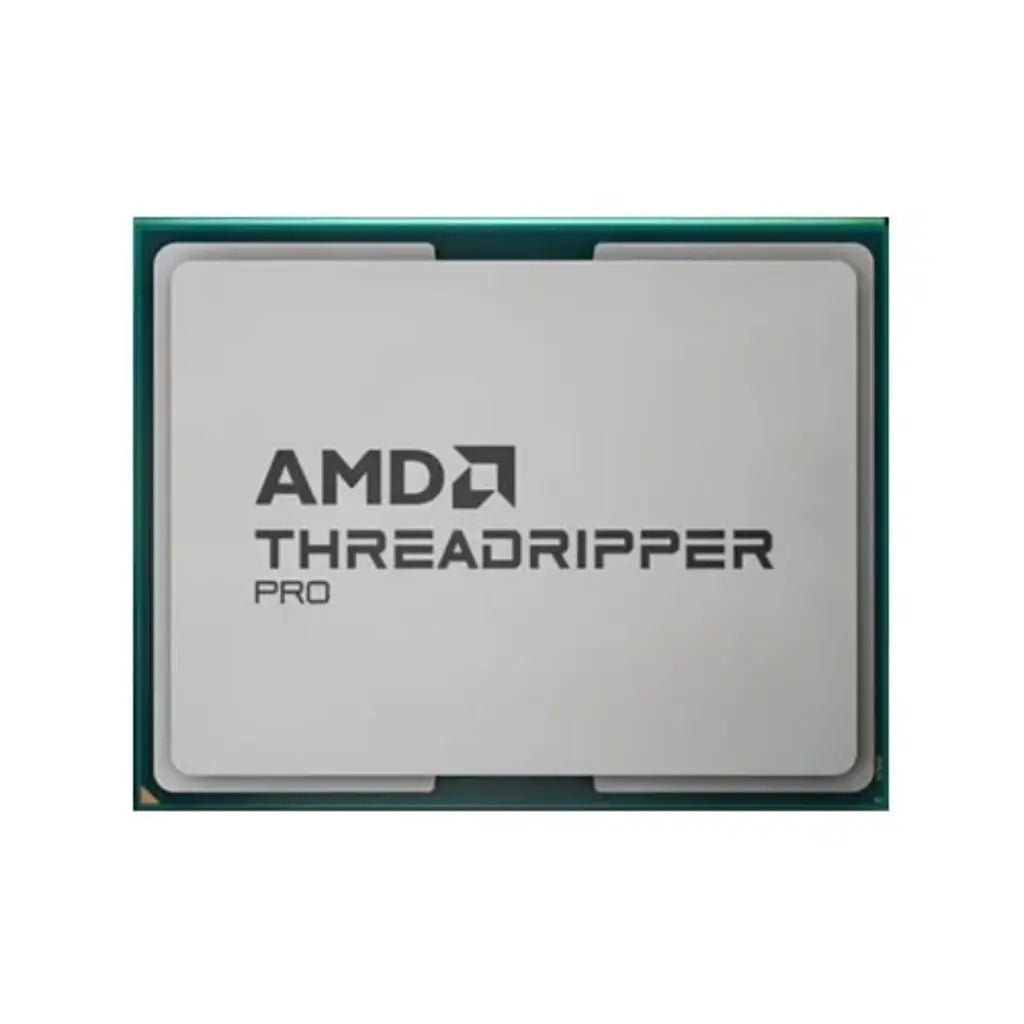
AMD Ryzen Threadripper PRO 9965WX 24-Core 48-Thread 5.4GHz High-Performance Workstation Processor (Tray Version)
Original price was: ₹459,610.00.₹299,879.00Current price is: ₹299,879.00. -

AMD Ryzen Threadripper PRO 9955WX 16-Core 32-Thread 4.5GHz High-Performance Workstation Processor (Tray Version)
Original price was: ₹292,118.00.₹173,459.00Current price is: ₹173,459.00. -
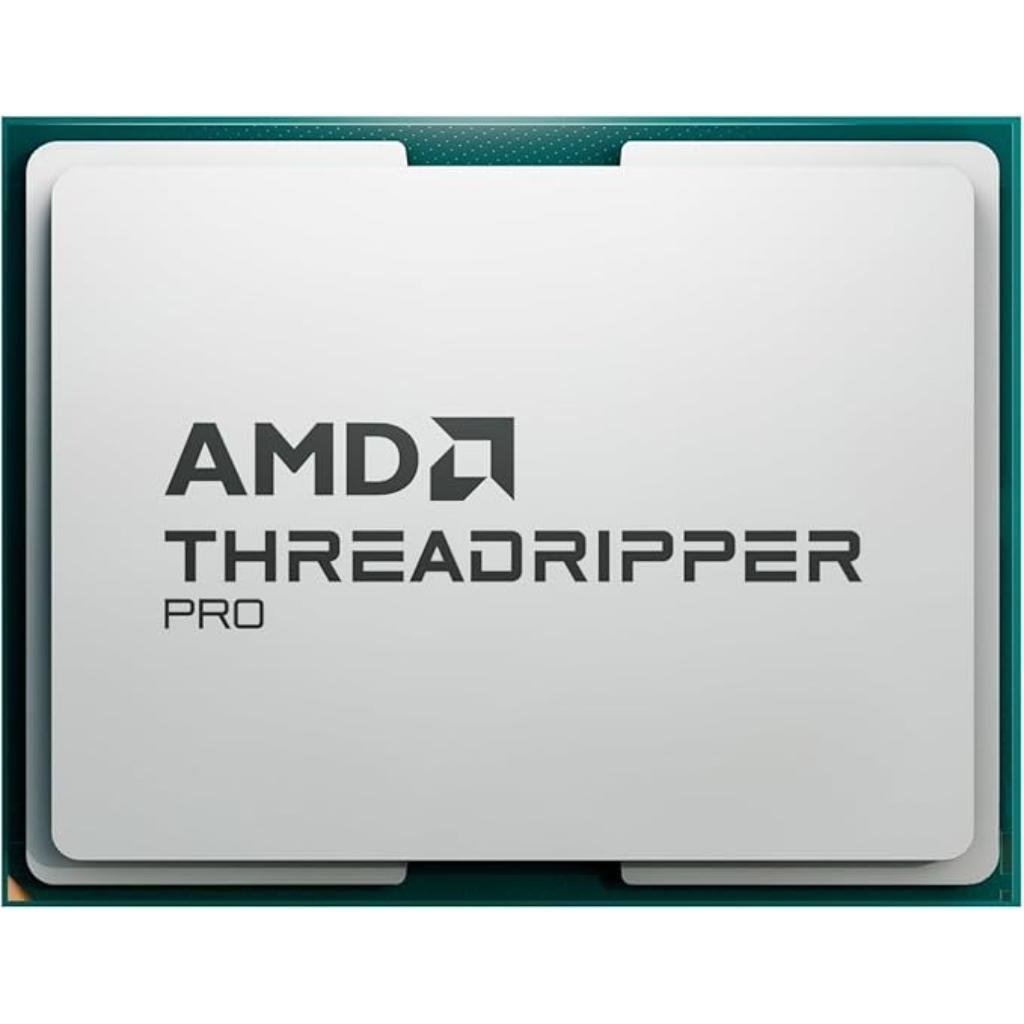
AMD Ryzen Threadripper Pro 7985WX 64-Core 128-Thread Desktop Processor
Original price was: ₹793,800.00.₹710,499.00Current price is: ₹710,499.00. -
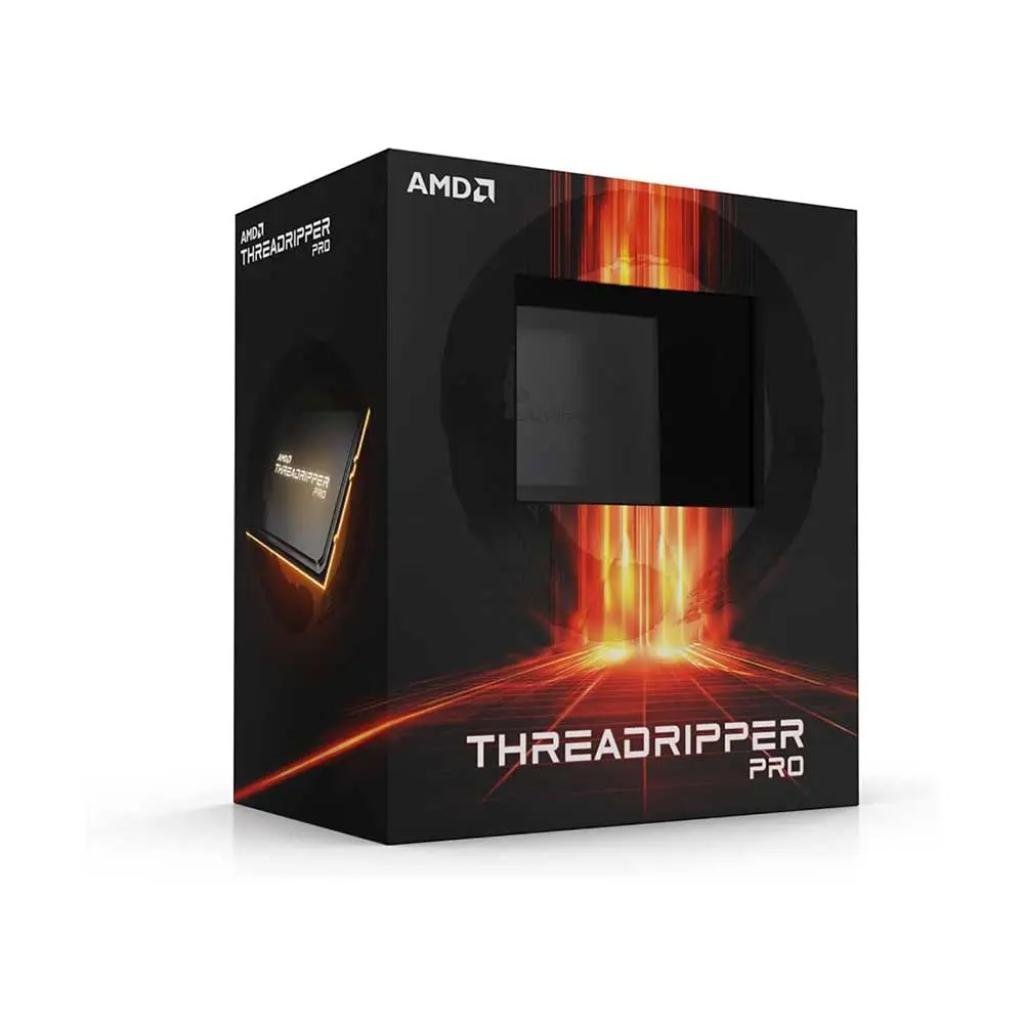
AMD Ryzen Threadripper PRO 7975WX 32-Core 64-Thread High-Performance Desktop Processor (Tray)
Original price was: ₹416,745.00.₹372,399.00Current price is: ₹372,399.00.
3. How to Choose a Motherboard
The motherboard connects every component. Choose it after the processor, because the socket and chipset must match.
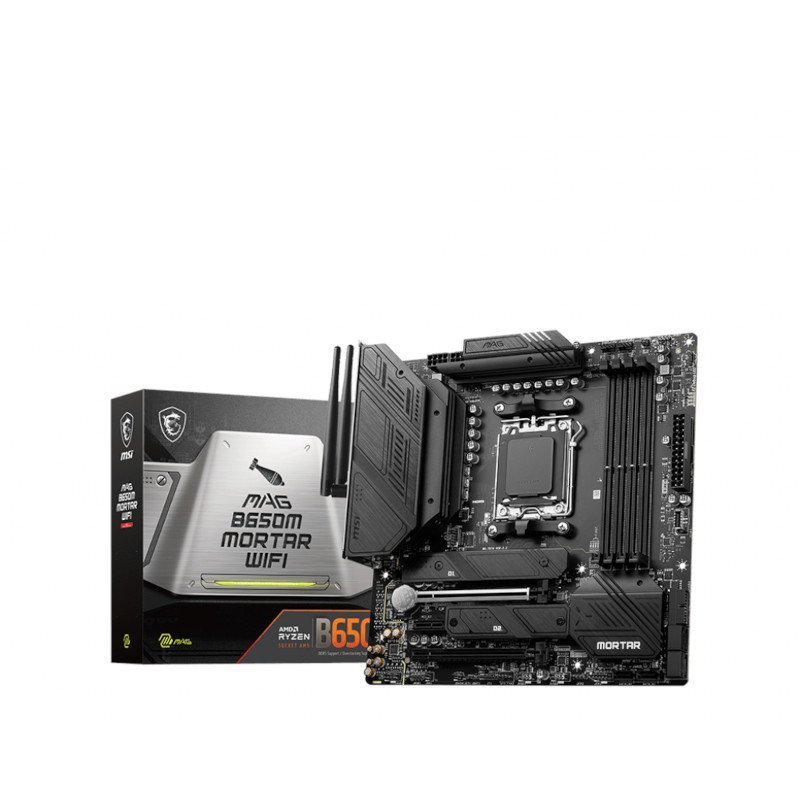
- Socket and chipset: AM5 boards (A620, B650, B850, X670, X870) for Ryzen 7000/9000; AM4 boards for Ryzen 5000; Intel LGA1700/LGA1851 boards for Intel Core processors.
- Size: ATX for full-size cabinets and more expansion, Micro-ATX for compact builds, Mini-ITX for very small PCs.
- Features: check for Wi-Fi, the number of M.2 slots, USB-C ports and memory support.
-
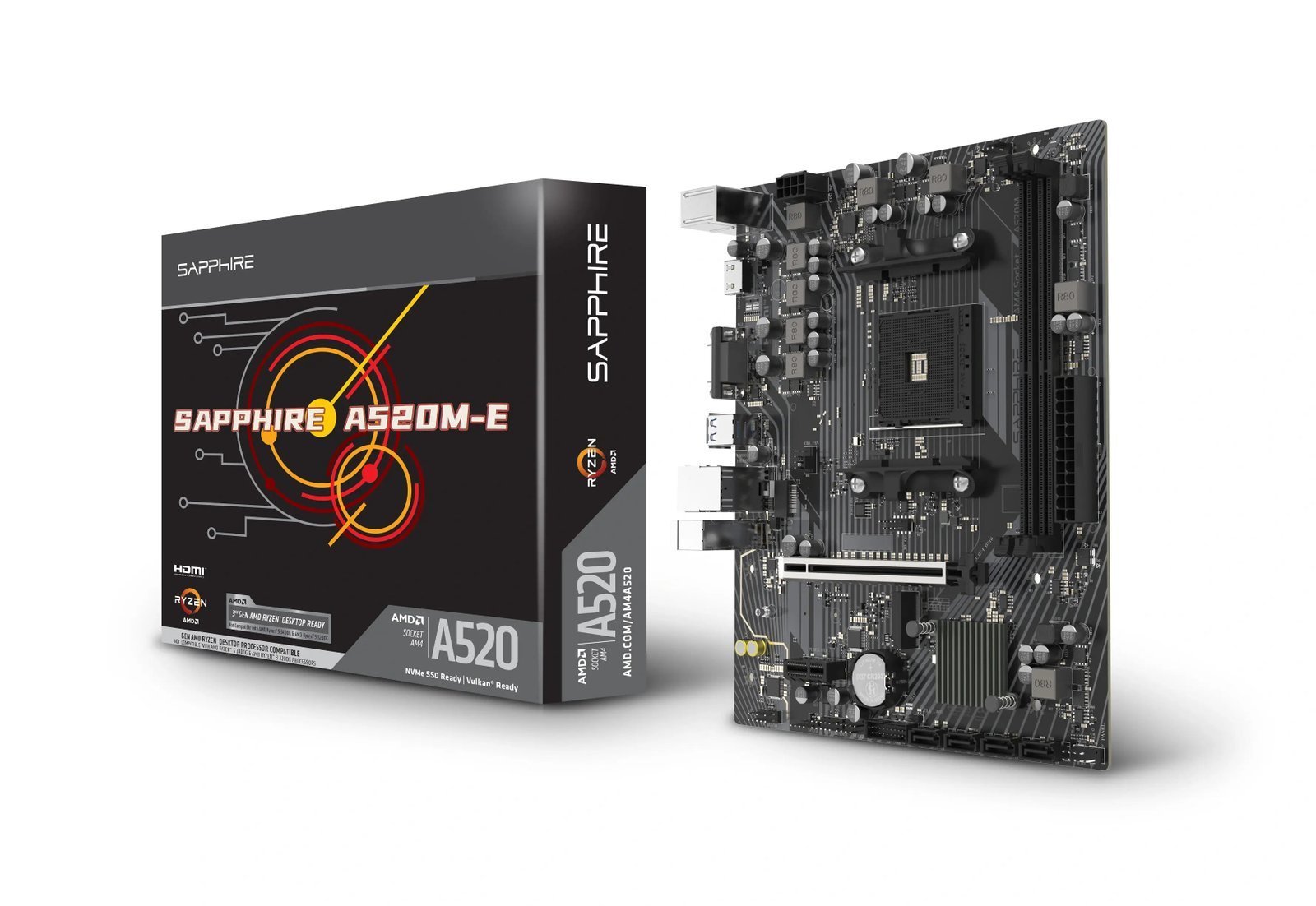
SAPPHIRE A520M-E AMD Ryzen AM4 Socket Micro-ATX Motherboard
Original price was: ₹5,983.00.₹5,820.00Current price is: ₹5,820.00. -

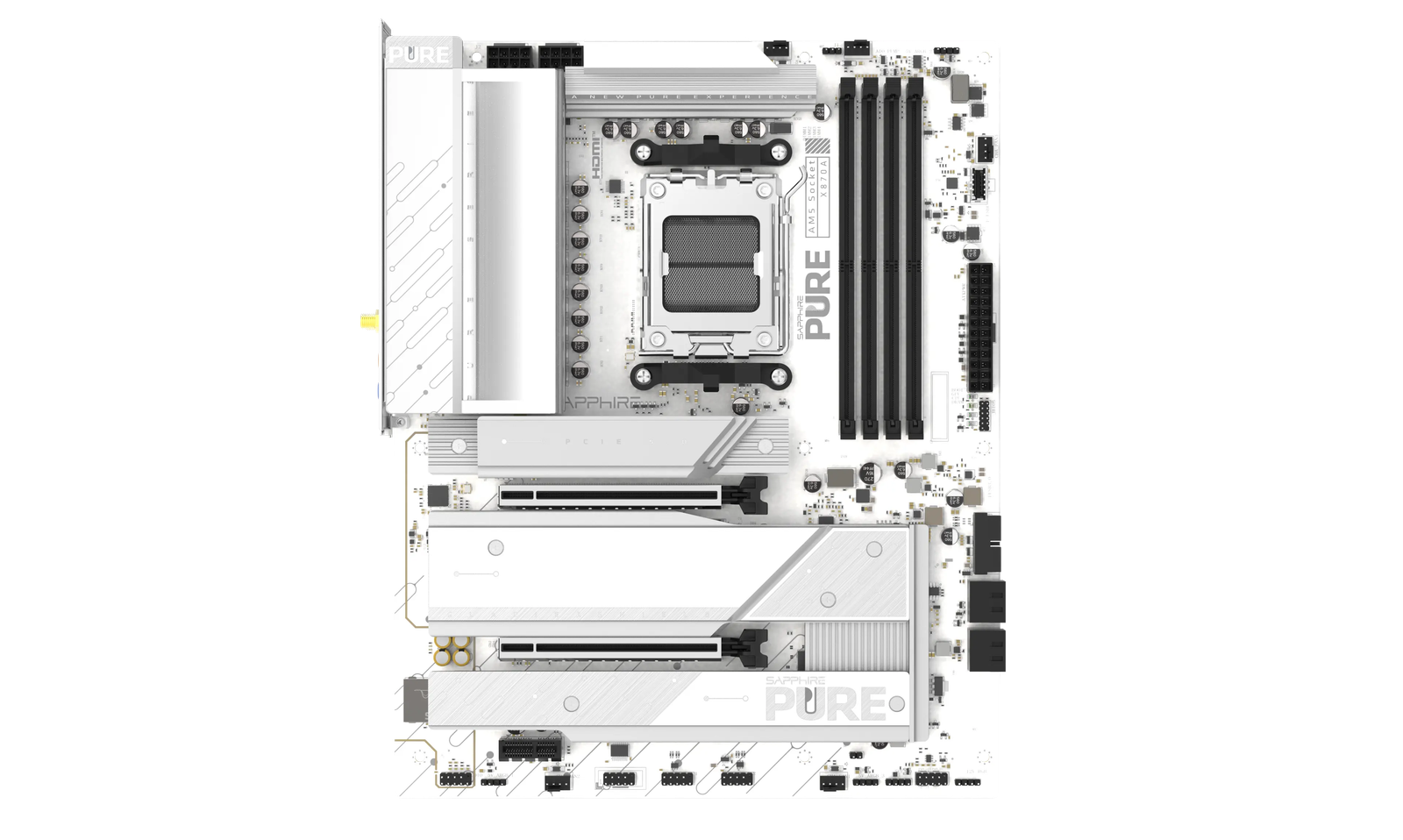
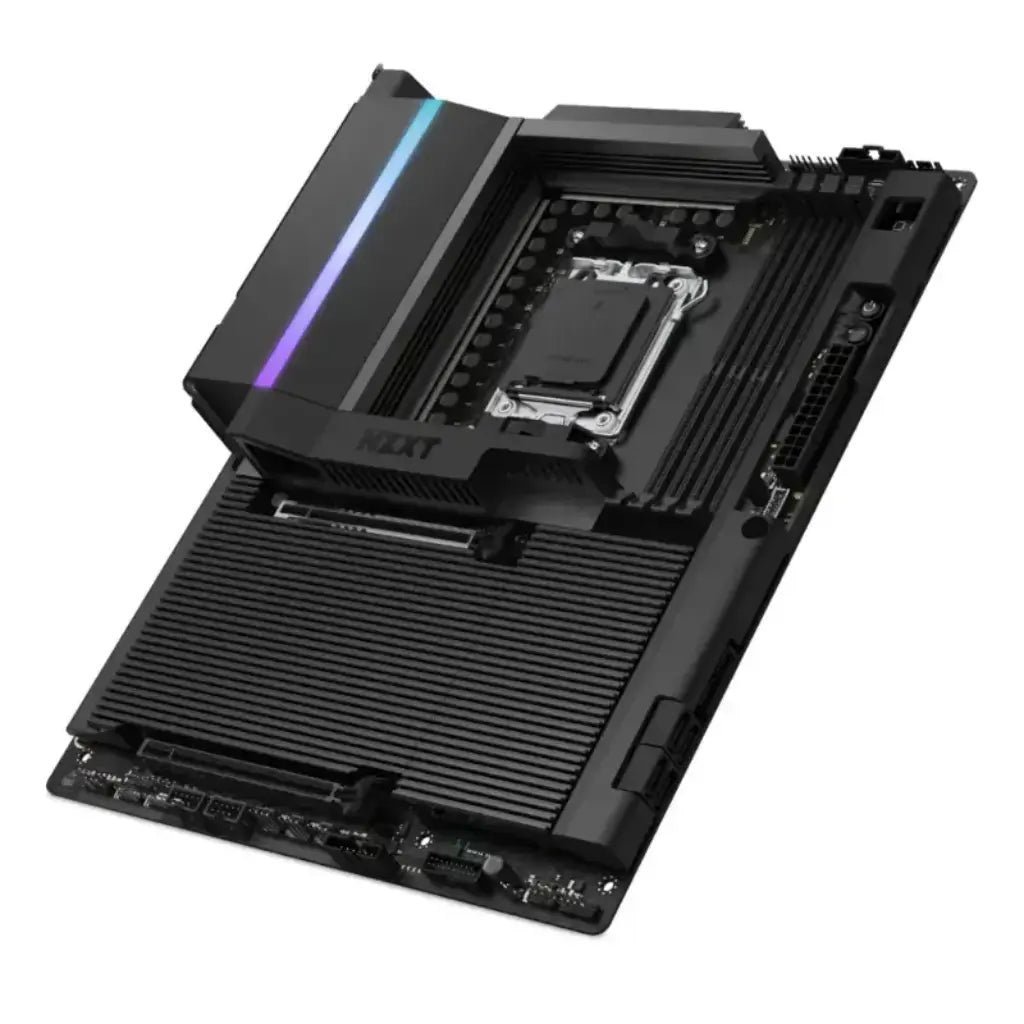
MSI X870E Gaming Plus WiFi Motherboard – AMD AM5 Socket, DDR5 Support, ATX Form Factor, WiFi 7
Original price was: ₹33,399.00.₹27,651.00Current price is: ₹27,651.00.



4. How Much RAM Do You Need?
- 16GB: fine for office work, browsing and light gaming.
- 32GB: the sweet spot for modern gaming, streaming and photo editing.
- 64GB and above: for 4K video editing, 3D, virtual machines and AI work.
Always buy memory as a kit of two matching sticks for dual-channel performance, and match the type (DDR5 or DDR4) to your motherboard. For AM5 Ryzen builds, a DDR5-6000 kit is a popular choice.
-

ADATA 8GB DDR4 2666MHz CL19 SO-DIMM Laptop Memory Module (RePacked)
Original price was: ₹10,886.00.₹8,432.00Current price is: ₹8,432.00. -

ADATA 4GB DDR4 2666MHz CL19 SO-DIMM Laptop Memory Module (RePacked)
Original price was: ₹4,382.00.₹3,527.00Current price is: ₹3,527.00. -
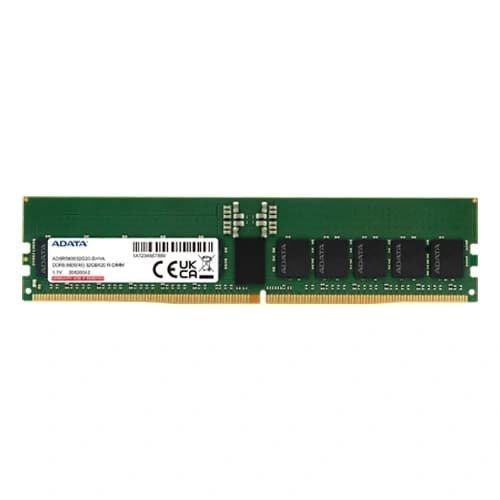
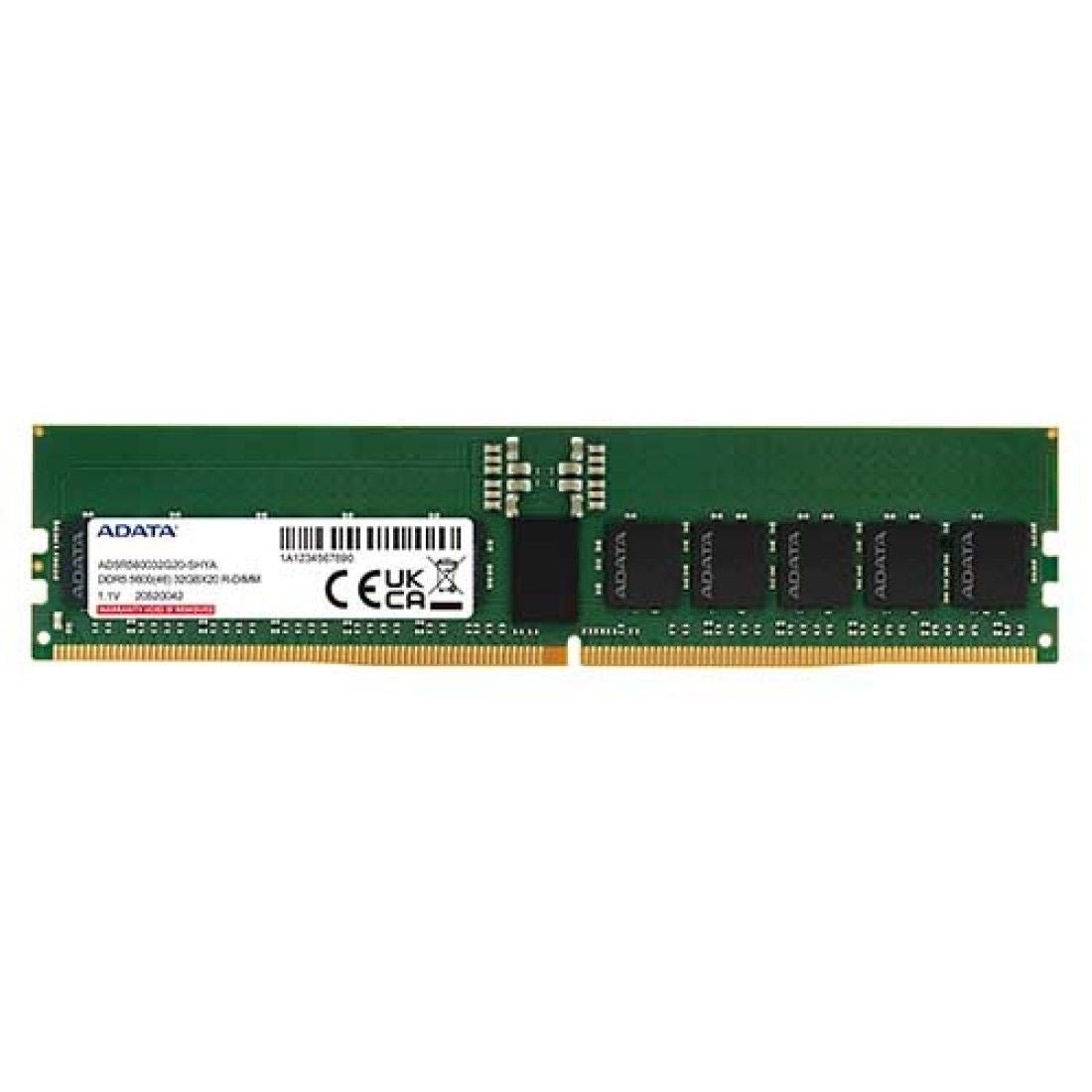
ADATA 16GB DDR5 5600MHz CL46 ECC R-DIMM Memory Module for Workstations, Servers, and NAS
Original price was: ₹20,167.00.₹16,973.00Current price is: ₹16,973.00. -

Acer Predator Vesta II RGB 32GB (2x16GB) DDR5 6000MHz CL36 Gaming Desktop Memory Kit
Original price was: ₹76,681.00.₹51,979.00Current price is: ₹51,979.00. -
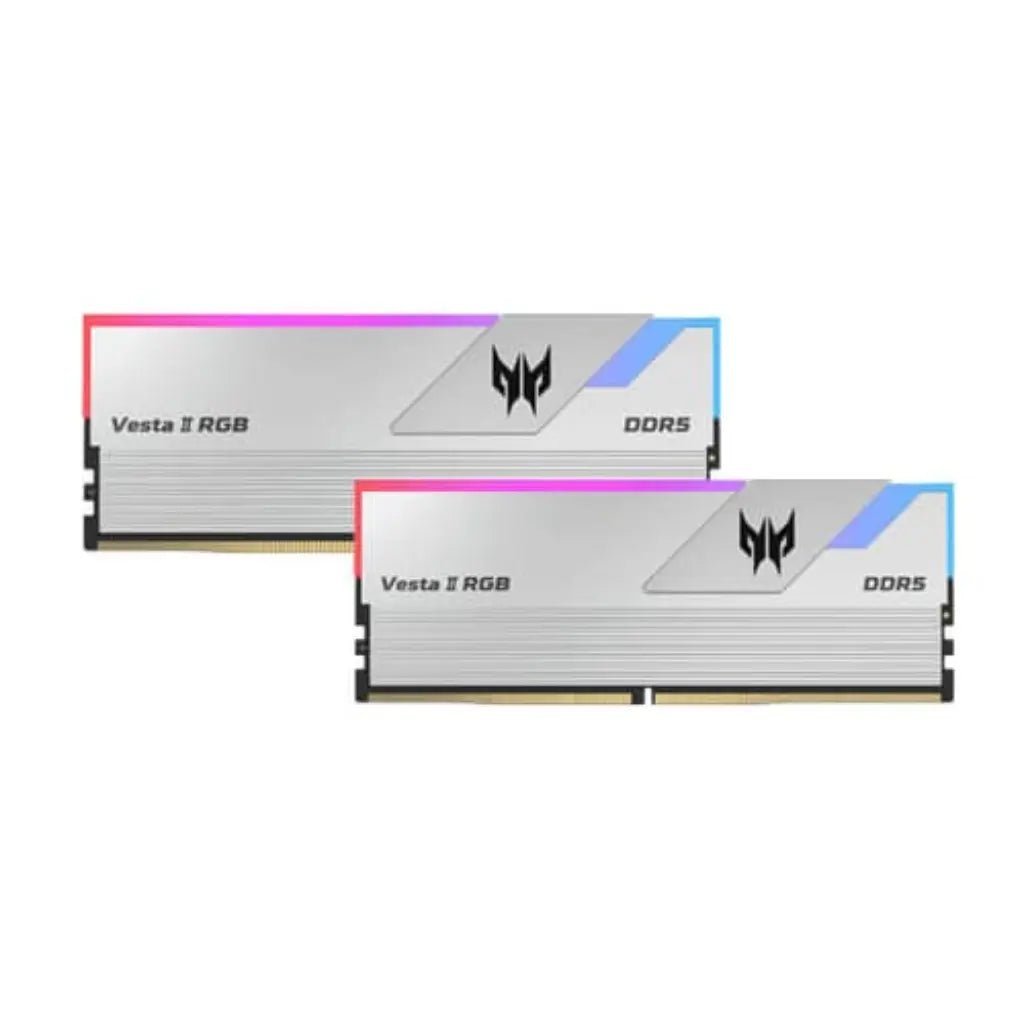
Acer Predator Vesta II RGB 32GB (2x16GB) DDR5 6000MHz CL30 Gaming Desktop RAM Kit – White/Silver, Intel XMP 3.0 & AMD EXPO Ready
Original price was: ₹79,961.00.₹52,919.00Current price is: ₹52,919.00.

5. Choosing an SSD
An SSD makes your PC boot, load games and open files much faster than a hard drive. NVMe M.2 SSDs are the fastest and plug straight into the motherboard; SATA SSDs are a good upgrade for older PCs and laptops.
- 500GB–1TB: good for the operating system and a few games.
- 2TB and above: recommended for large game libraries and video projects.
-
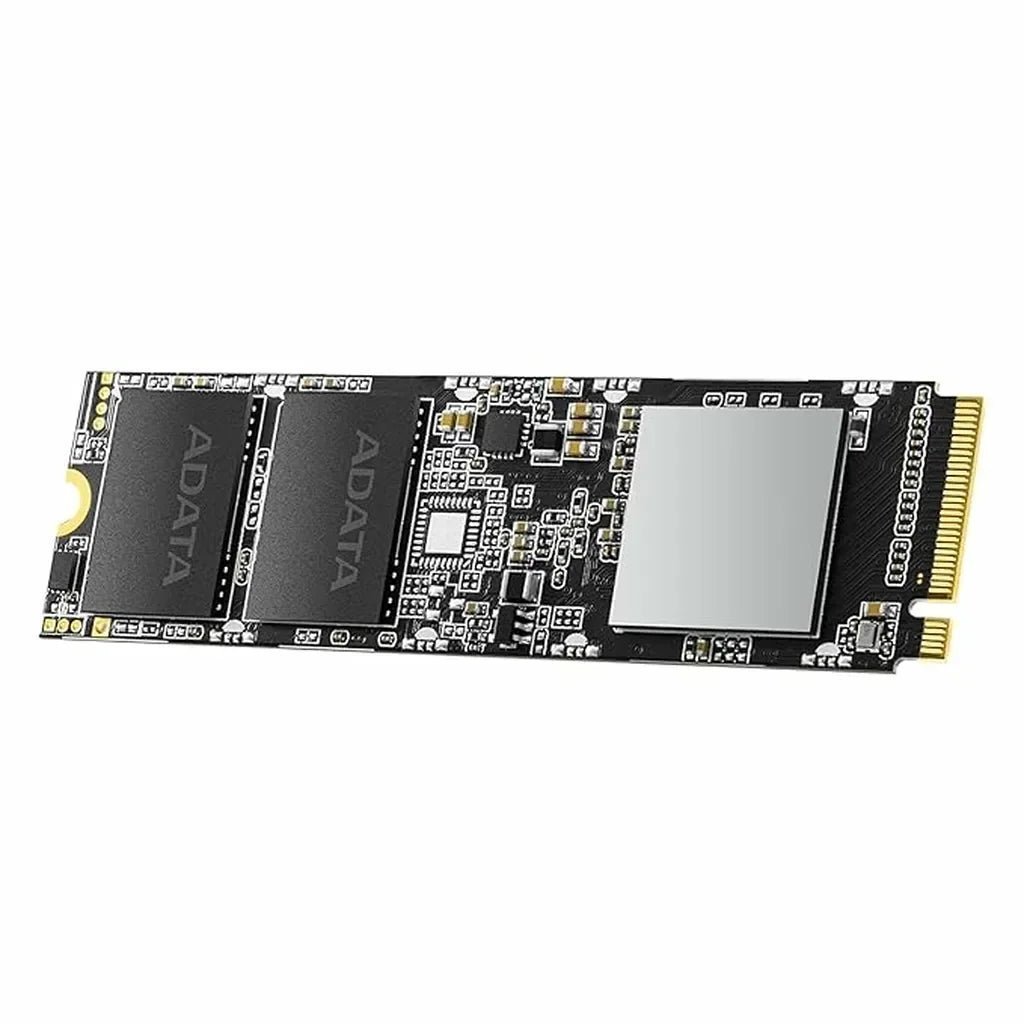
ADATA XPG SX8100 256GB PCIe Gen3x4 M.2 2280 3D NAND Internal Solid State Drive
Original price was: ₹10,546.00.₹5,781.00Current price is: ₹5,781.00. -
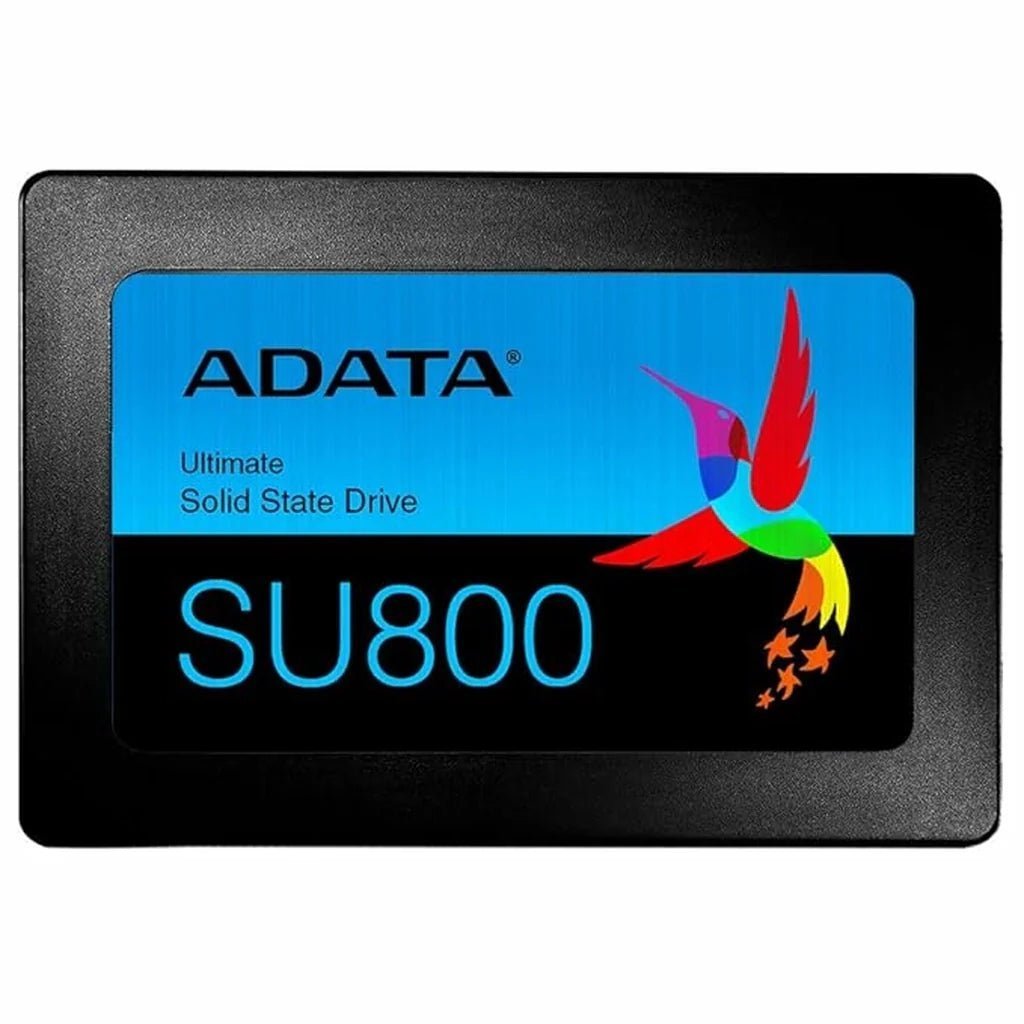
ADATA Ultimate SU800 512GB 3D NAND SATA III 2.5-Inch Internal Solid State Drive
Original price was: ₹10,002.00.₹9,113.00Current price is: ₹9,113.00. -
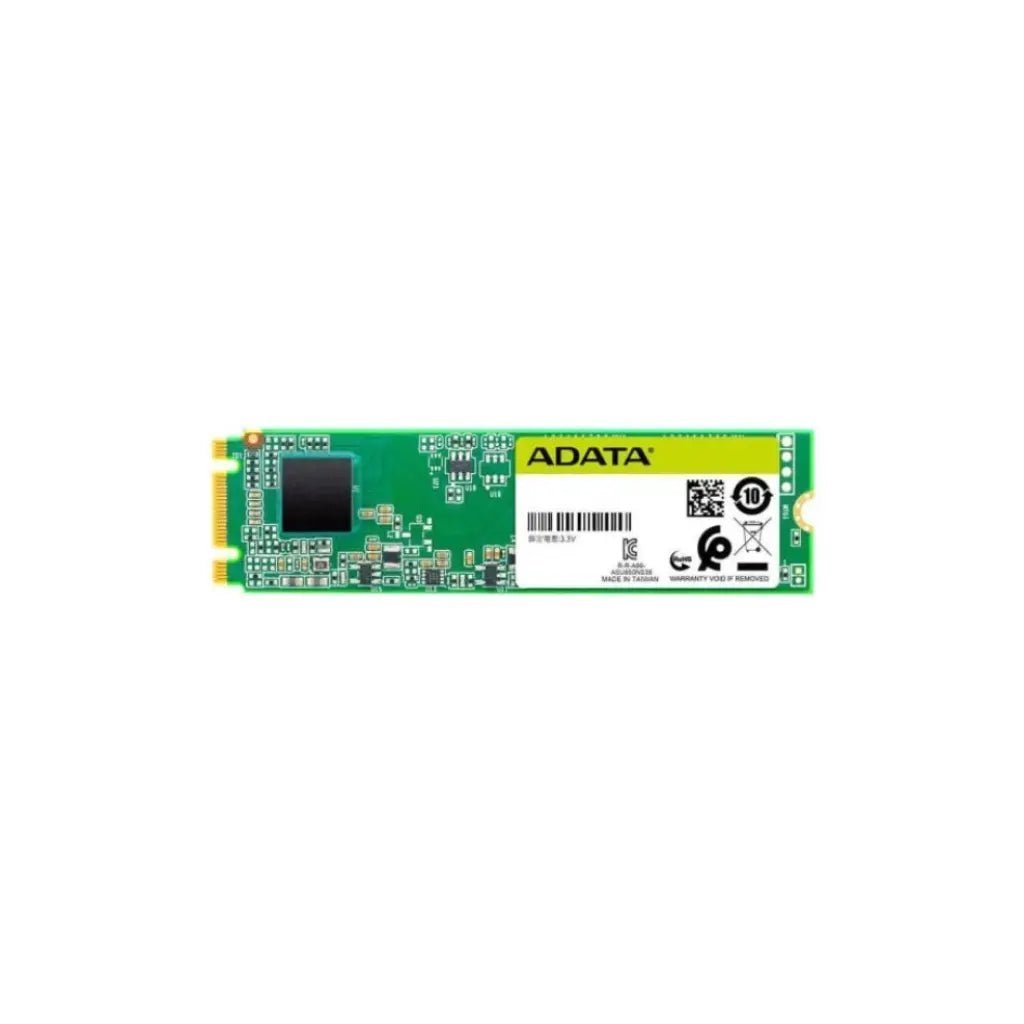
Adata Ultimate SU660 512GB M.2 2280 SATA III 3D NAND Internal Solid State Drive
Original price was: ₹8,335.00.₹7,839.00Current price is: ₹7,839.00. -

ADATA Ultimate SU650 512GB 2.5-inch SATA III 3D NAND Internal Solid State Drive (SSD)
Original price was: ₹7,938.00.₹7,839.00Current price is: ₹7,839.00. -
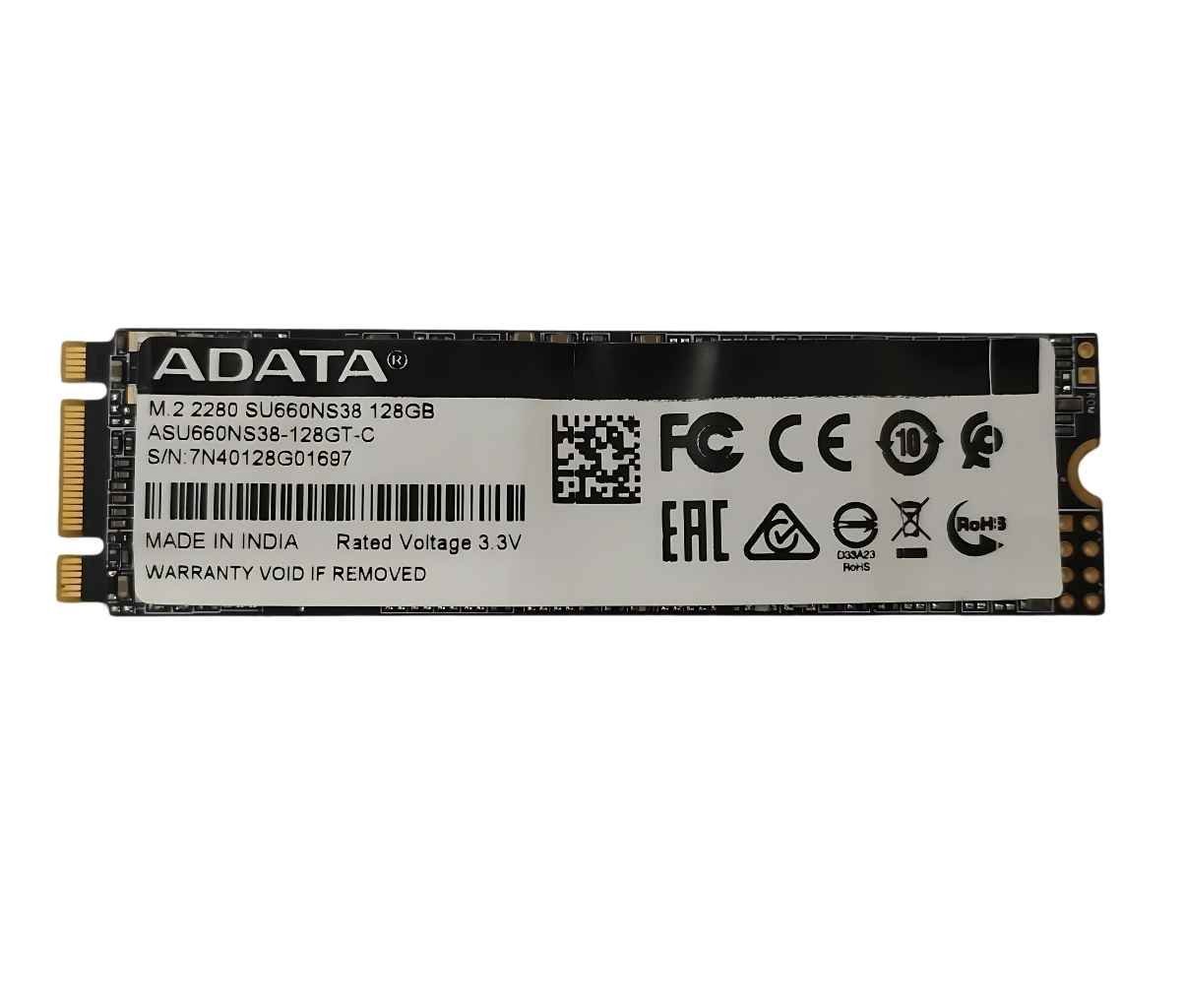
ADATA Ultimate SU660 128GB 2.5″ SATA III 3D NAND Internal SSD – Up to 550MB/s Read Speed, Shock Resistant
Original price was: ₹3,663.00.₹2,645.00Current price is: ₹2,645.00. -
ADATA Ultimate SU650 256GB 3D NAND SATA III 2.5-Inch Internal Solid State Drive
Original price was: ₹5,557.00.₹5,389.00Current price is: ₹5,389.00. -
ADATA Ultimate SU650 2TB 3D NAND SATA III 2.5-Inch Internal Solid State Drive
Original price was: ₹33,340.00.₹32,829.00Current price is: ₹32,829.00. -
ADATA Ultimate SU650 1TB 3D NAND SATA III 2.5-Inch Internal Solid State Drive
Original price was: ₹16,670.00.₹15,091.00Current price is: ₹15,091.00.
6. Choosing a Monitor
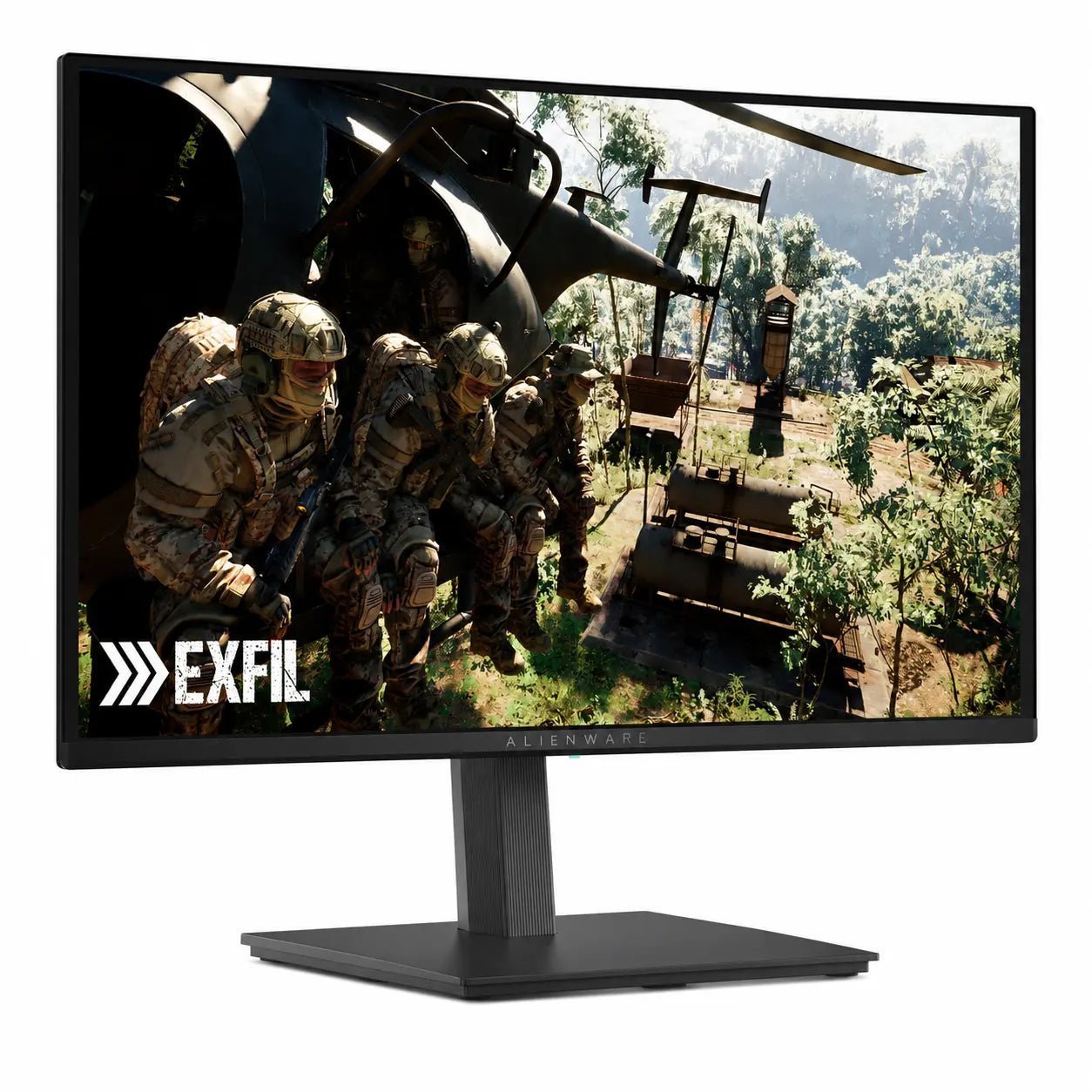
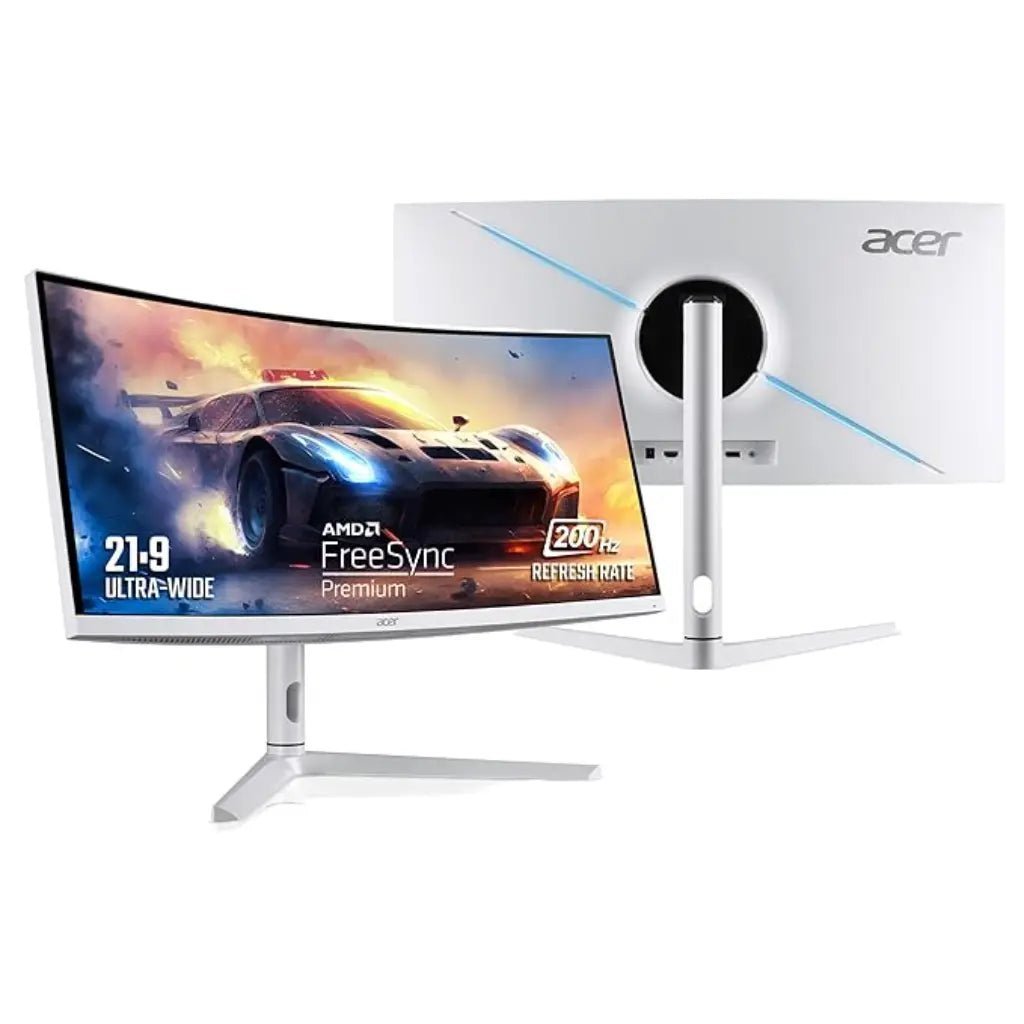
- Office and study: a 24–27 inch Full HD or QHD IPS monitor is comfortable for long hours.
- Competitive gaming: look for 144Hz to 360Hz refresh rates and fast response times.
- Creative work and 4K gaming: choose QHD or 4K with good colour accuracy; OLED panels offer the best contrast.
Make sure your graphics card has the right port (DisplayPort or HDMI) to drive your monitor at its full refresh rate.



7. Power Supply (SMPS) and Cabinet
A reliable power supply protects every other part of your PC. Add up your components’ power needs – mainly the graphics card and processor – and leave 20–30% headroom. Choose an 80 Plus certified unit from a trusted brand, and a modular design if you want tidy cables.
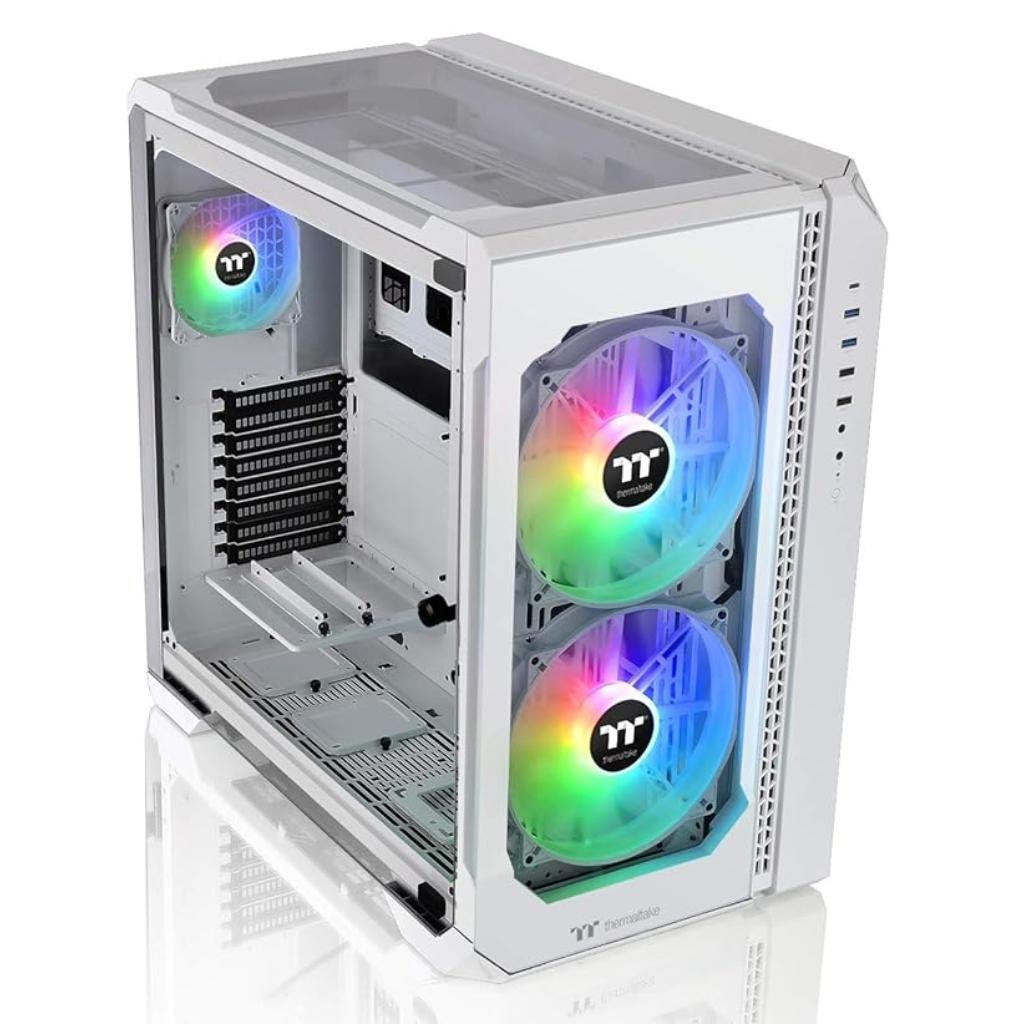
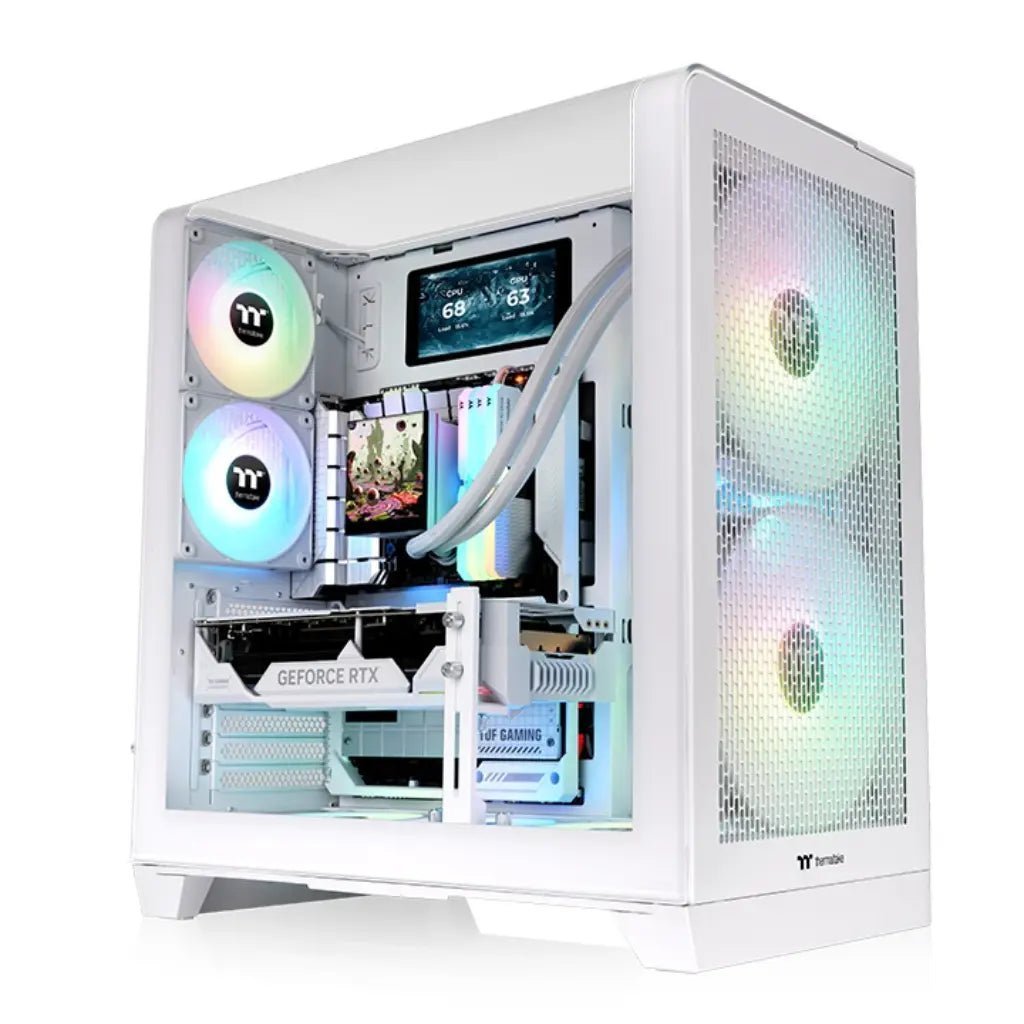
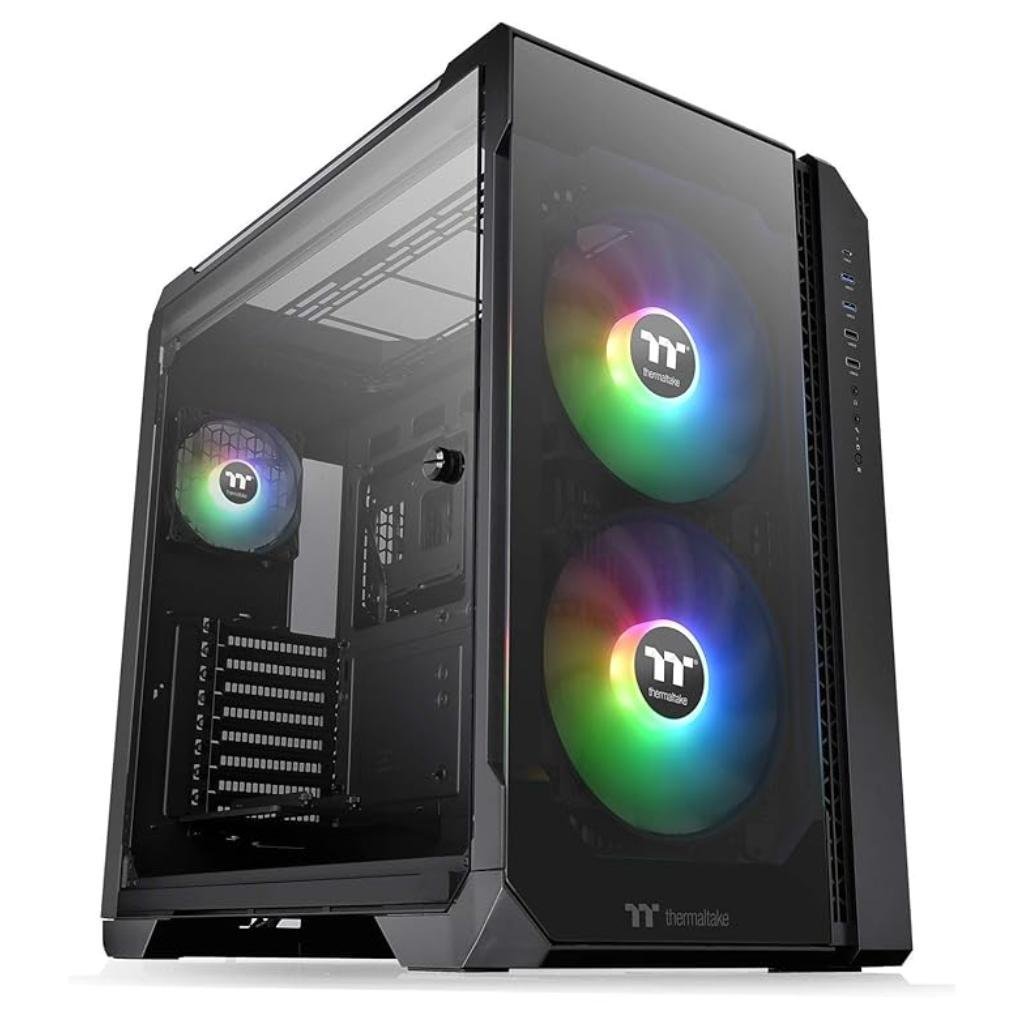
For the cabinet, check the maximum graphics card length, CPU cooler height, radiator support and airflow. A well-ventilated case keeps temperatures and fan noise down.
-
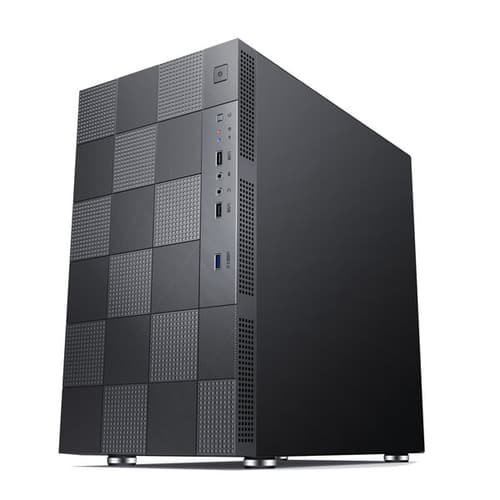
Ant Esports Elite 1000 PS M-ATX Mini Tower Gaming PC Cabinet
Original price was: ₹3,422.00.₹3,211.00Current price is: ₹3,211.00.


8. CPU Cooling
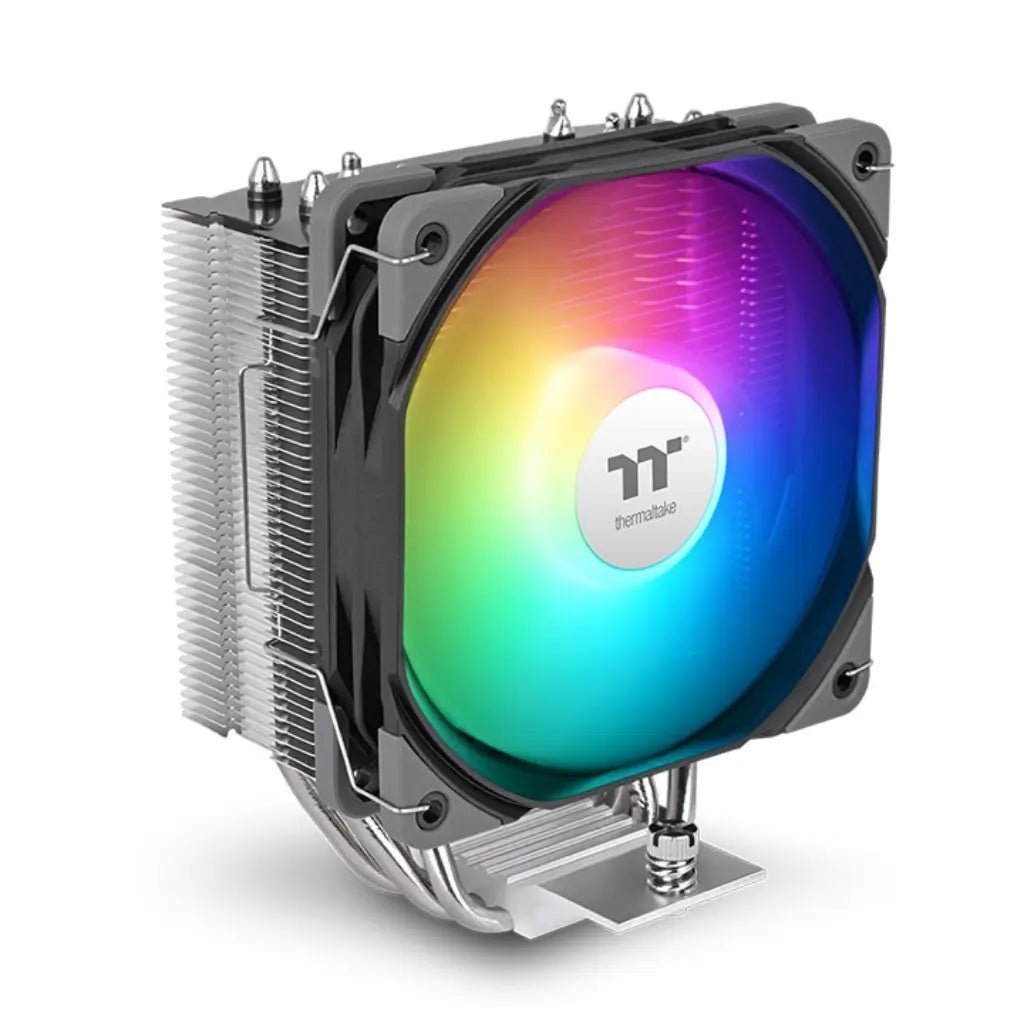
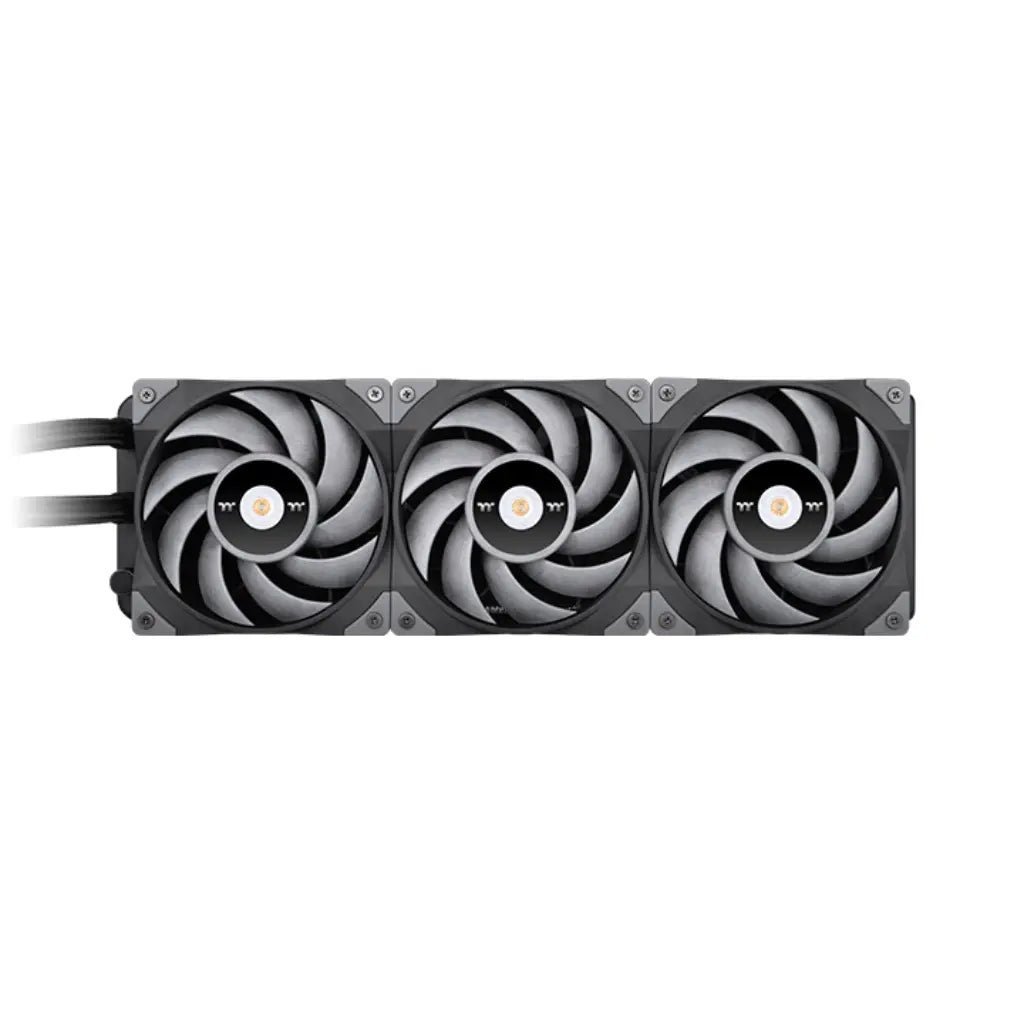
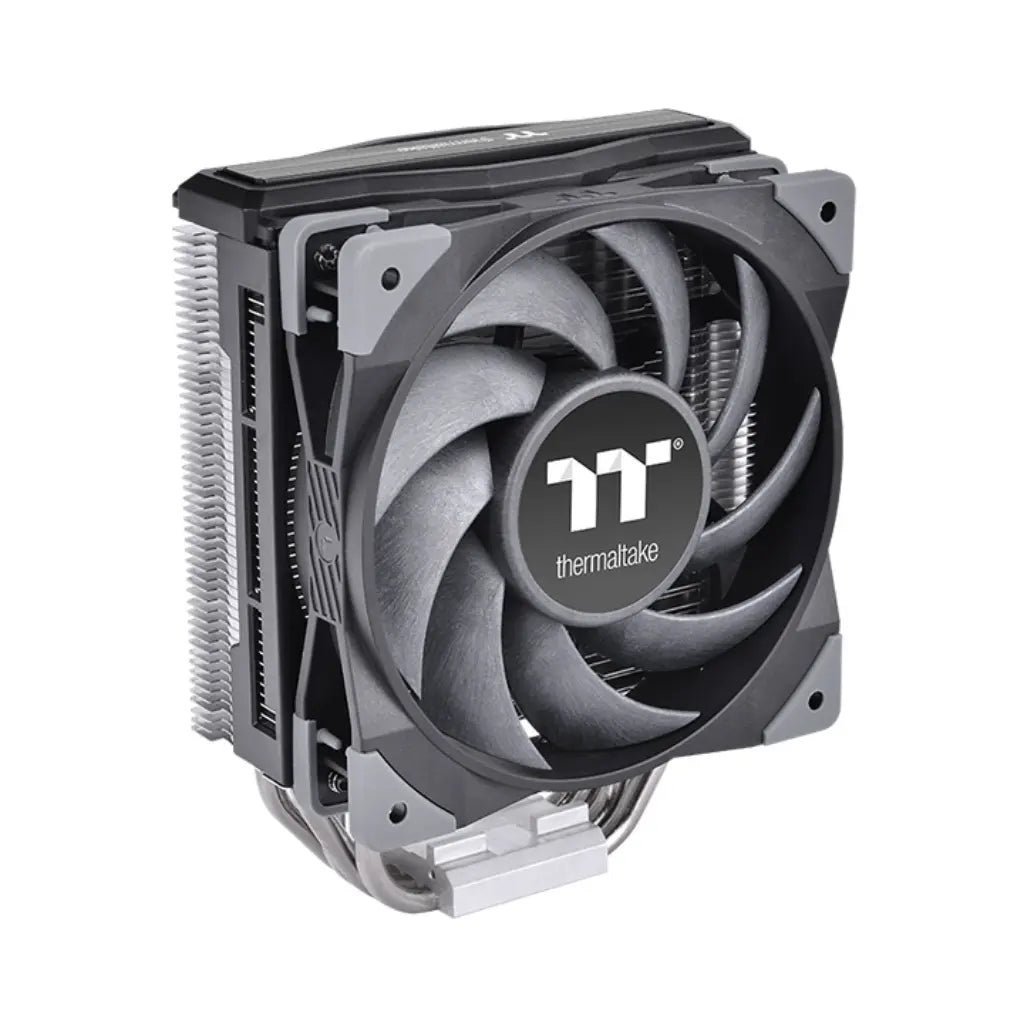
Many modern processors, including the Ryzen 9000 series, do not include a cooler in the box. A good tower air cooler is quiet and reliable for most builds; 240mm–360mm AIO liquid coolers suit high-end processors and compact, clean-looking builds. Always check socket support and the space inside your cabinet.
-

Thermaltake UX200 SE ARGB 120mm CPU Air Cooler – High Performance White Edition
Original price was: ₹3,065.00.₹3,051.00Current price is: ₹3,051.00.




9. Networking
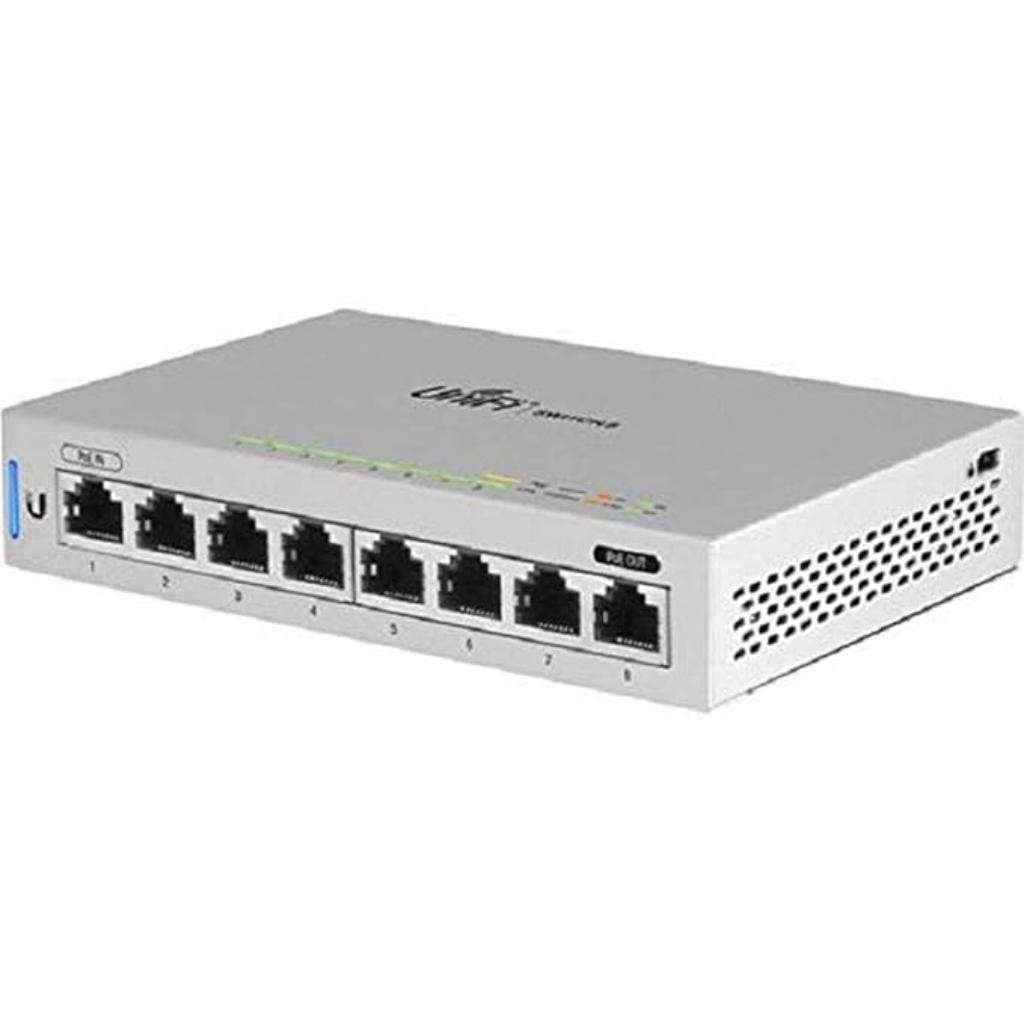
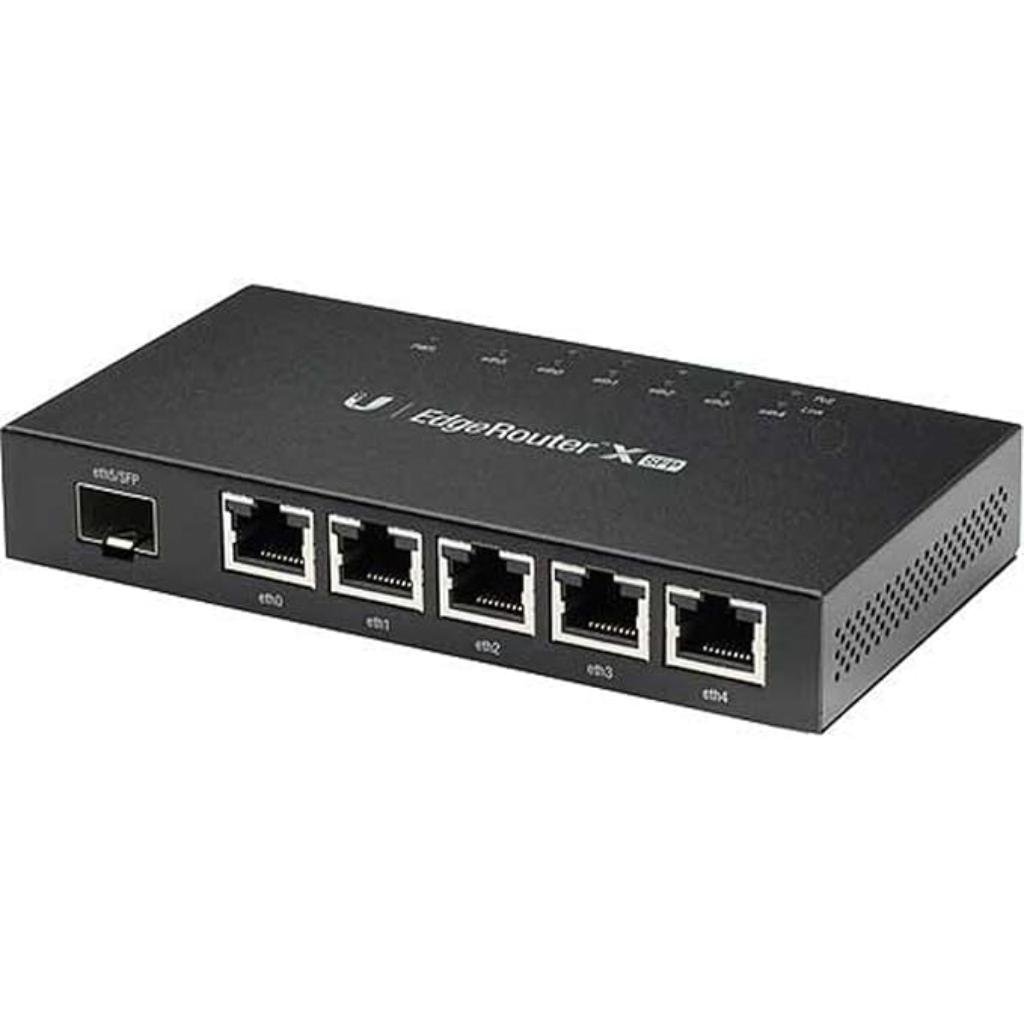
For homes and offices, a good router or mesh Wi-Fi system gives stable coverage, a gigabit switch adds wired ports for desktops and printers, and PoE switches power IP cameras and access points over one cable. Business-grade options such as Ubiquiti UniFi and TP-Link VIGI suit offices and shops.
-
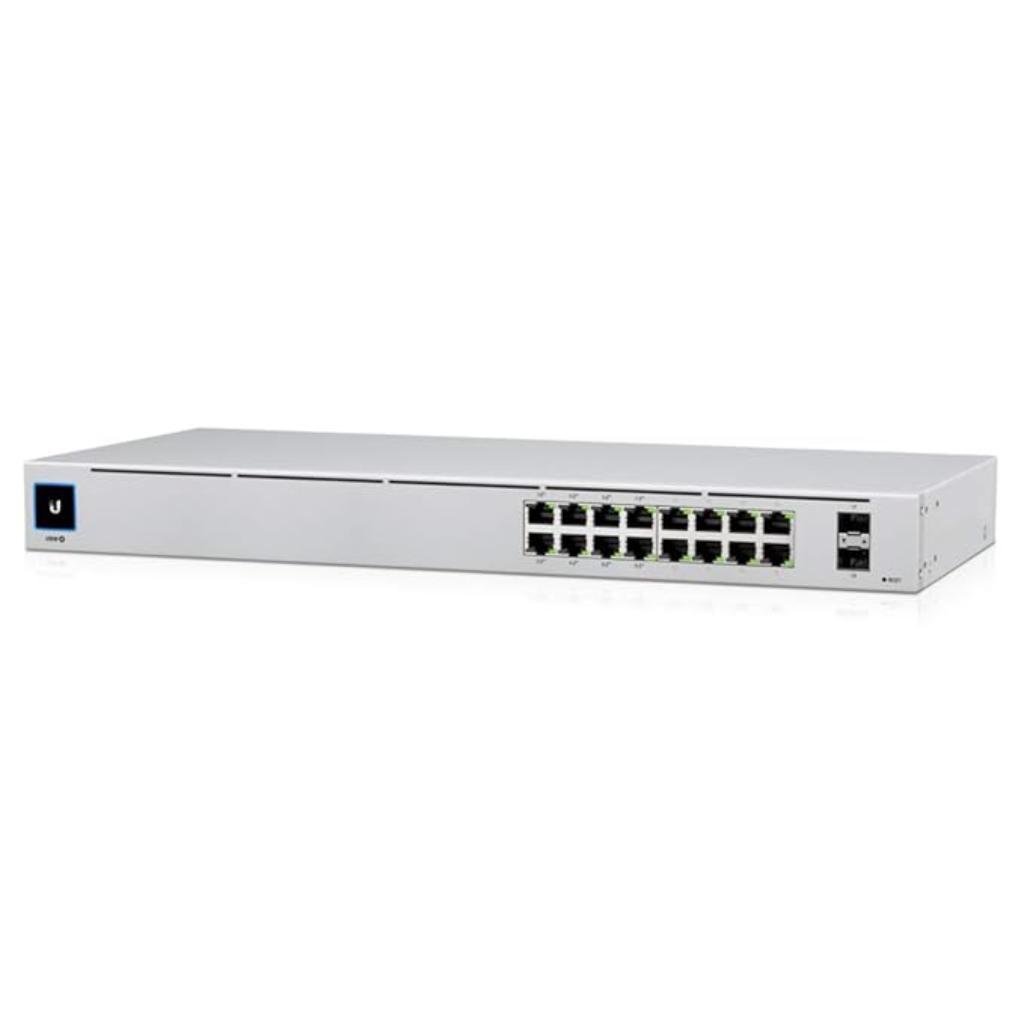
Ubiquiti UniFi Switch 16-Port Gigabit Layer 2 Managed PoE Switch with 42W Power Budget and Fanless Cooling
Original price was: ₹53,236.00.₹42,148.00Current price is: ₹42,148.00. -
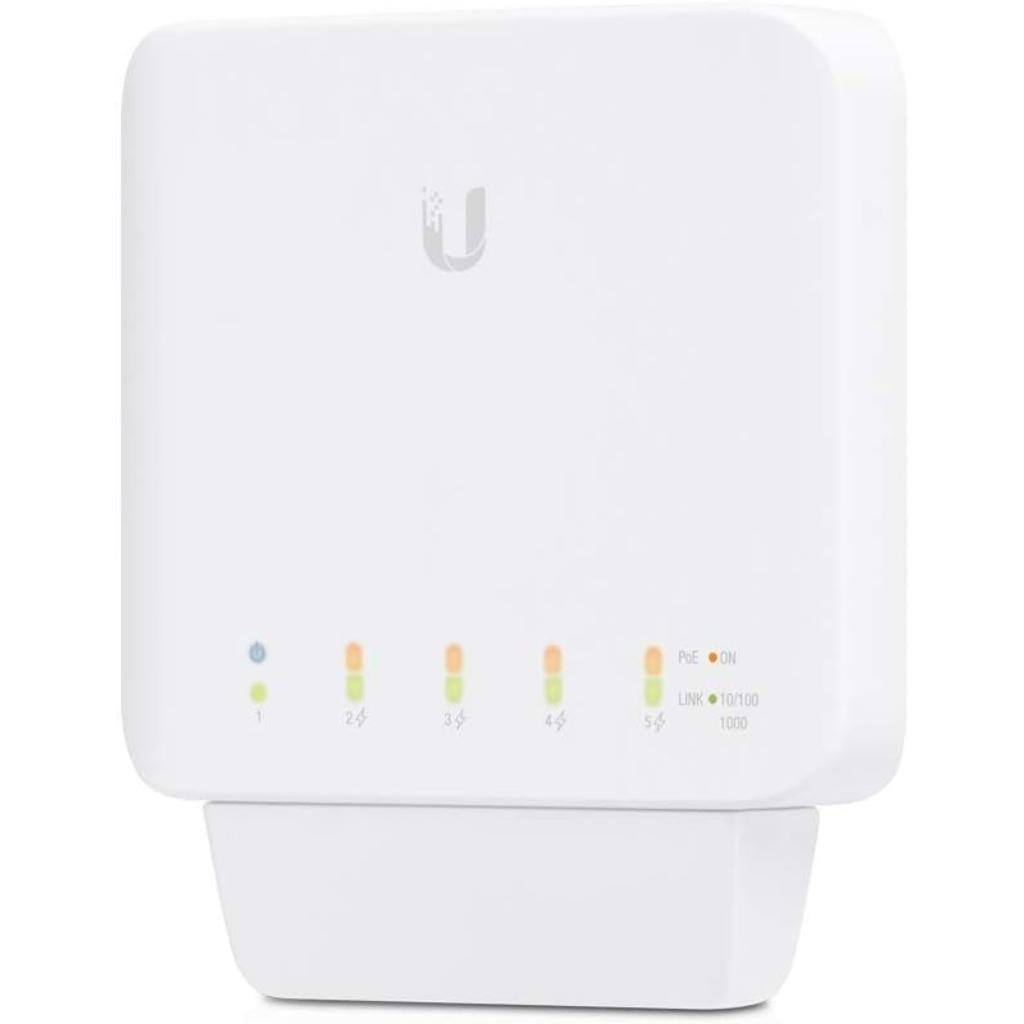
Ubiquiti UniFi Switch Flex (USW-FLEX) 5-Port Layer 2 PoE Managed Indoor/Outdoor Switch
Original price was: ₹18,820.00.₹17,107.00Current price is: ₹17,107.00.



10. Printers and Scanners
Choose an ink tank or inkjet printer for colour printing at home, a laser printer for high-volume office documents, and label or barcode printers such as Zebra models for shops, warehouses and logistics. Consider running costs, not only the purchase price.
-

Brother DCP-B7600DB Monochrome Laser Duplex Printer with USB, Print, Scan, and Copy, 34 PPM
Original price was: ₹26,596.00.₹19,414.00Current price is: ₹19,414.00. -
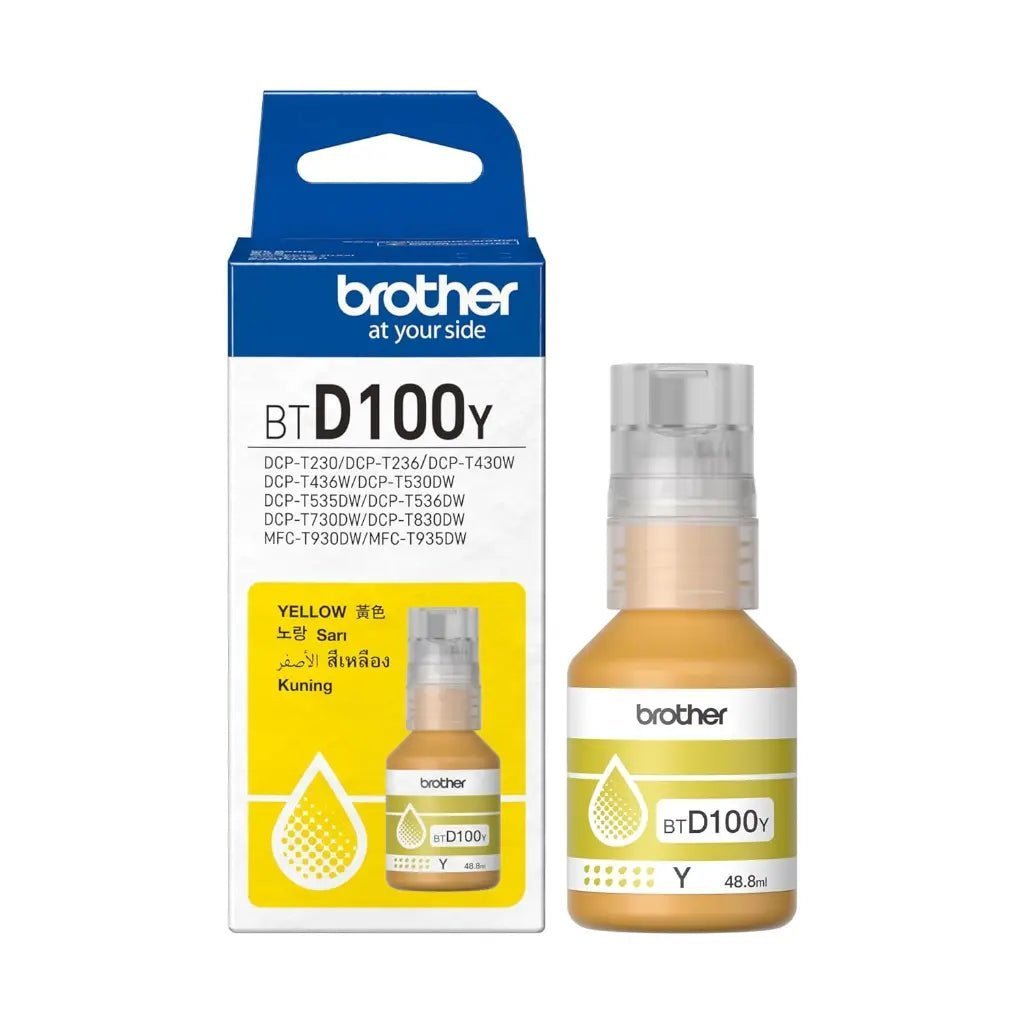
Brother BTD100Y High-Yield Yellow Ink Bottle, 50ml – 5,000 Page Capacity
Original price was: ₹786.00.₹646.00Current price is: ₹646.00. -
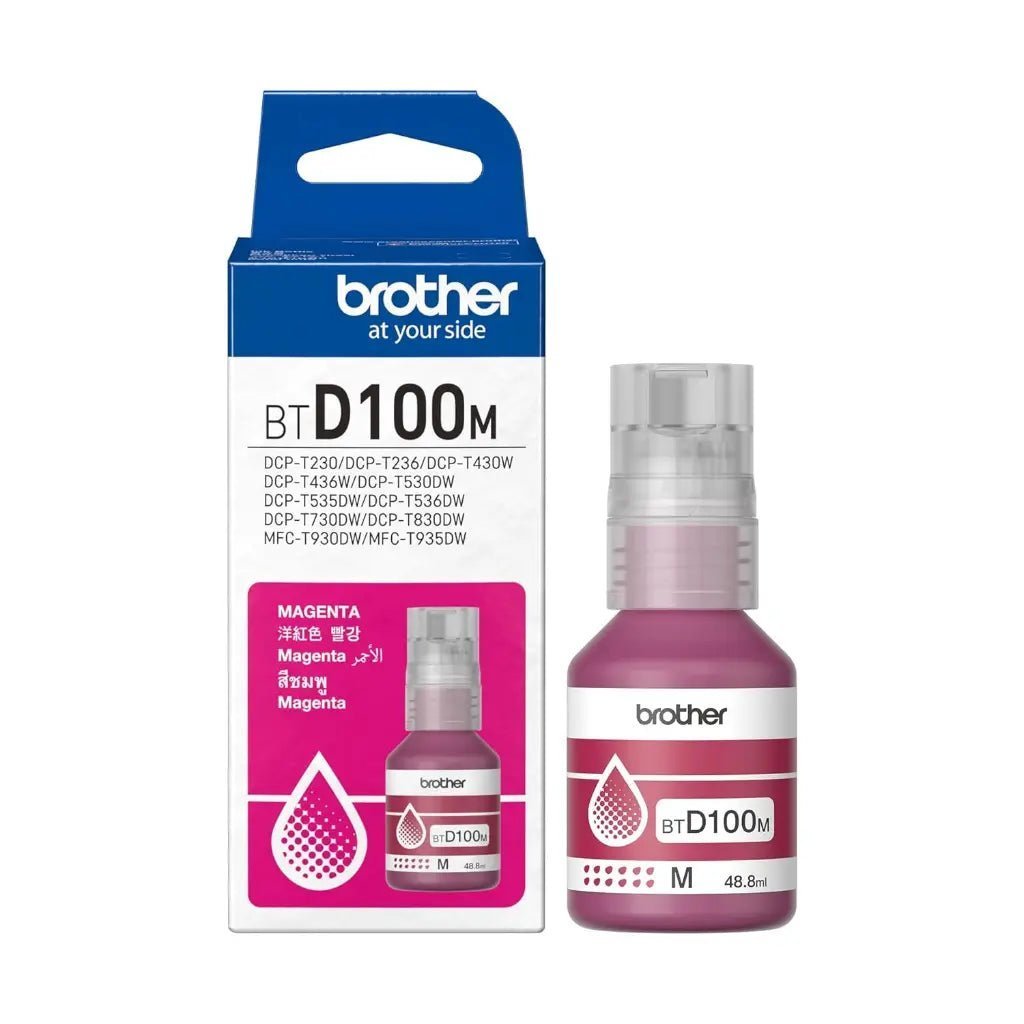
Brother BTD100M Magenta High Yield Ink Bottle – 5000 Page Capacity
Original price was: ₹707.00.₹644.00Current price is: ₹644.00. -

Brother BTD100C Cyan Ink Bottle, 50ml High Yield Original Ink for Brother DCP and MFC Ink Tank Printers (Up to 5000 Pages)
Original price was: ₹707.00.₹657.00Current price is: ₹657.00. -

Brother BT5000C Cyan High-Yield Ink Bottle (41.8ml, 5,000 Page Yield) for Brother DCP and MFC InkTank Printers
Original price was: ₹707.00.₹657.00Current price is: ₹657.00. -
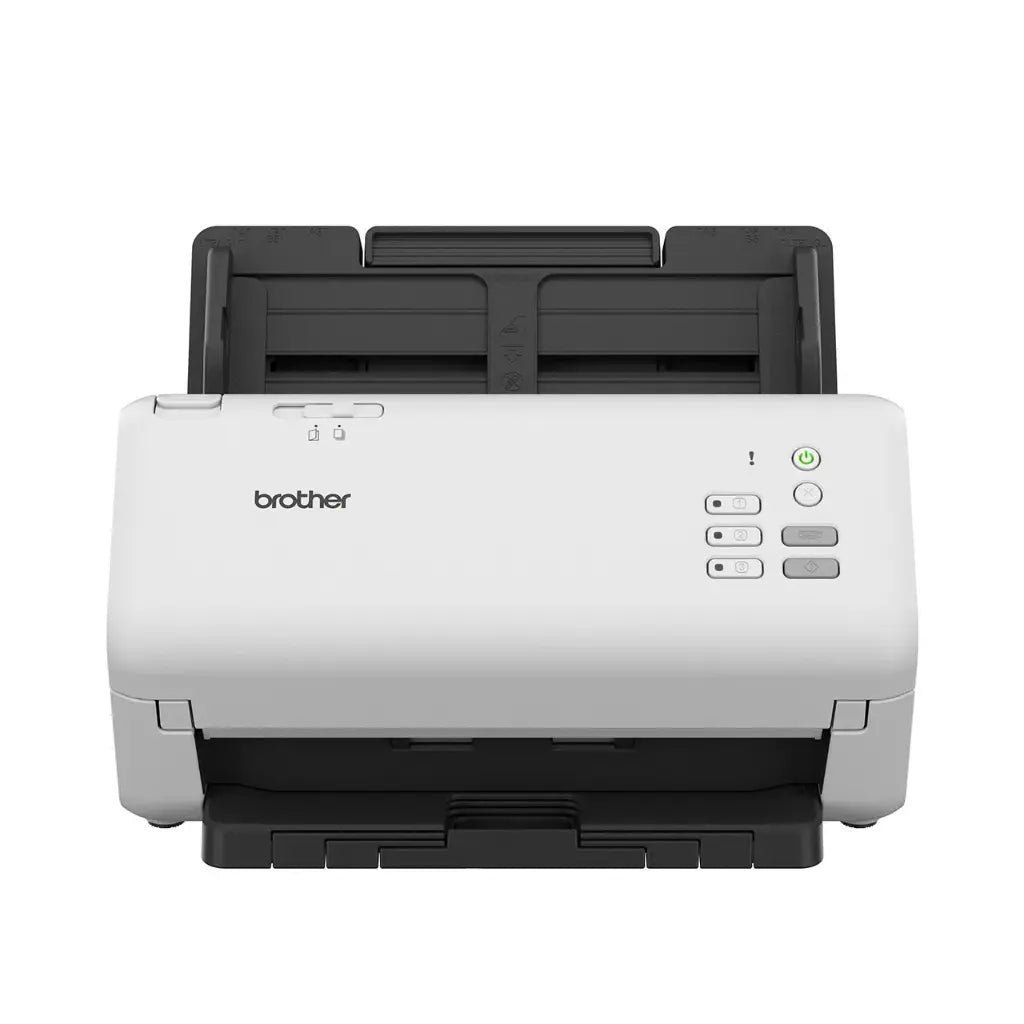
Brother ADS-4300N Professional High-Speed Duplex Network Document Scanner with 80-Sheet ADF and USB 3.0 Connectivity
Original price was: ₹48,898.00.₹37,729.00Current price is: ₹37,729.00.


View all printers & scanners →
11. PC Peripherals
Peripherals are the parts you touch every day. A comfortable keyboard and mouse, a clear webcam and headset for meetings, and a docking station or USB hub to connect everything to a laptop make a big difference to productivity and gaming. Mechanical keyboards last longer and feel more precise; wireless mice and keyboards keep your desk tidy.


12. Computer & Laptop Accessories
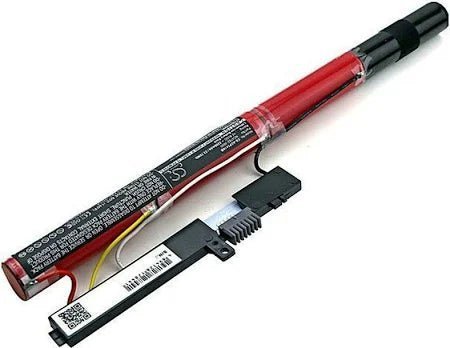
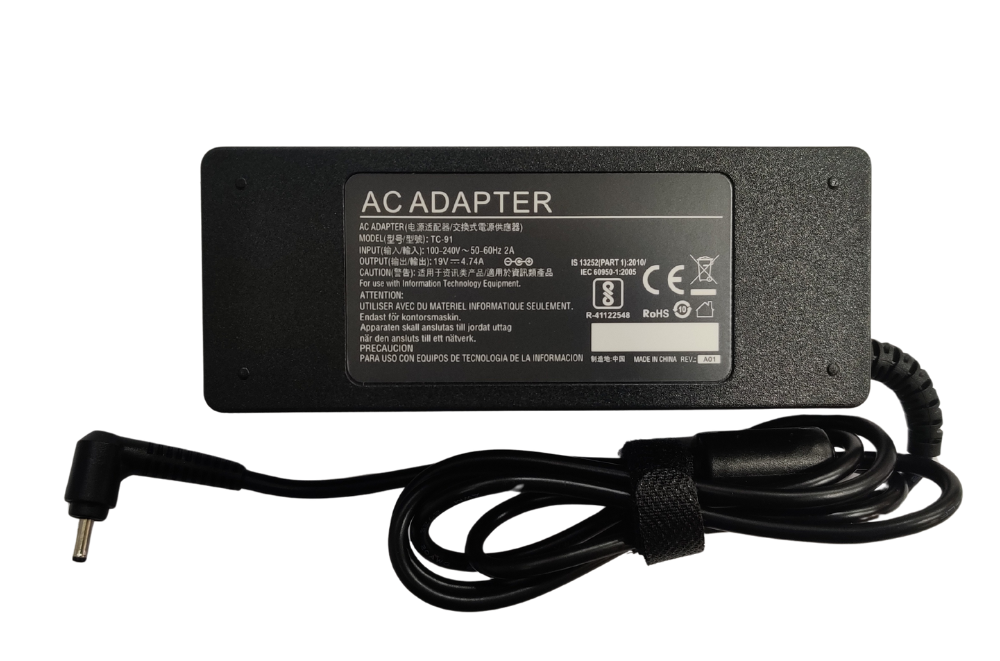
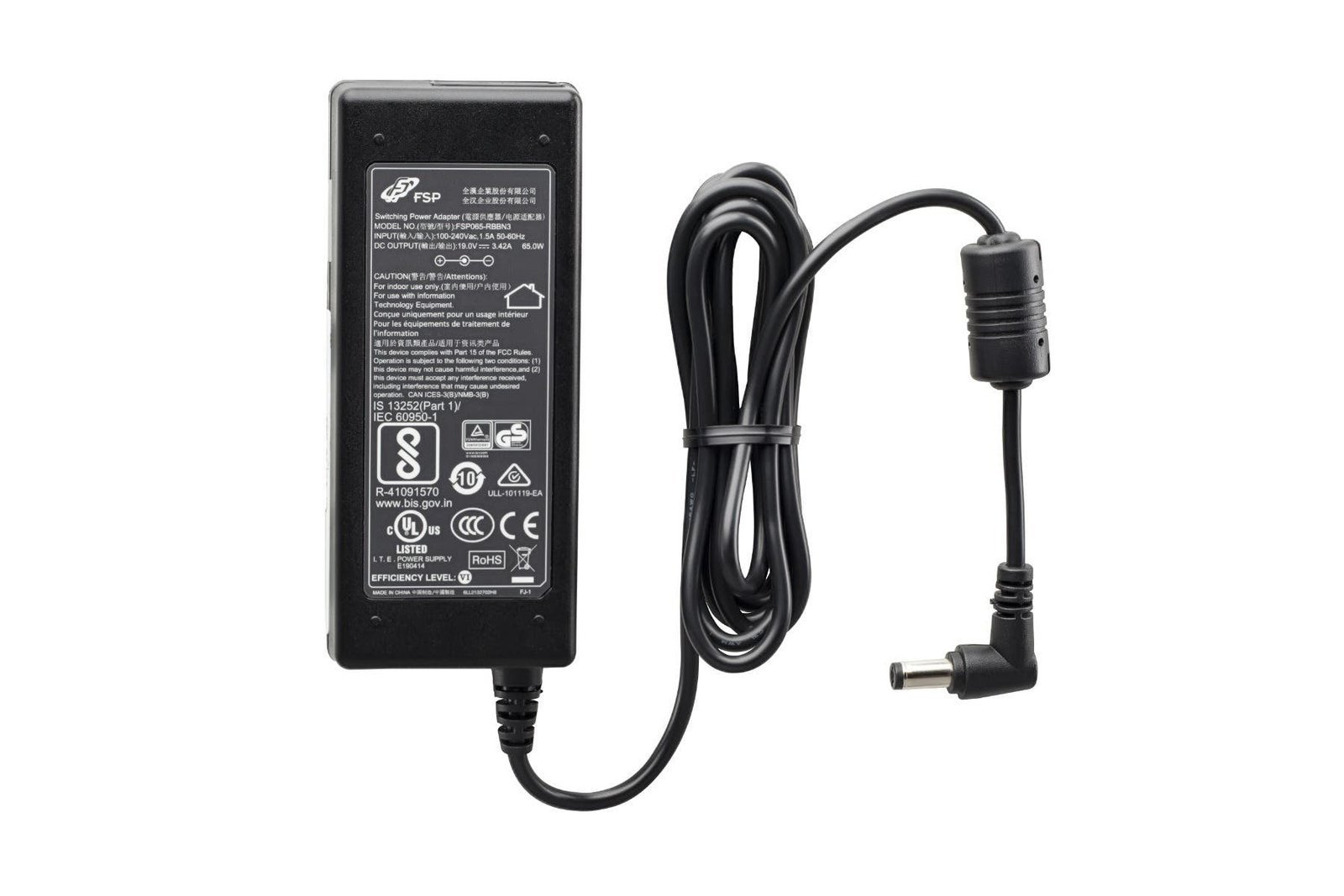
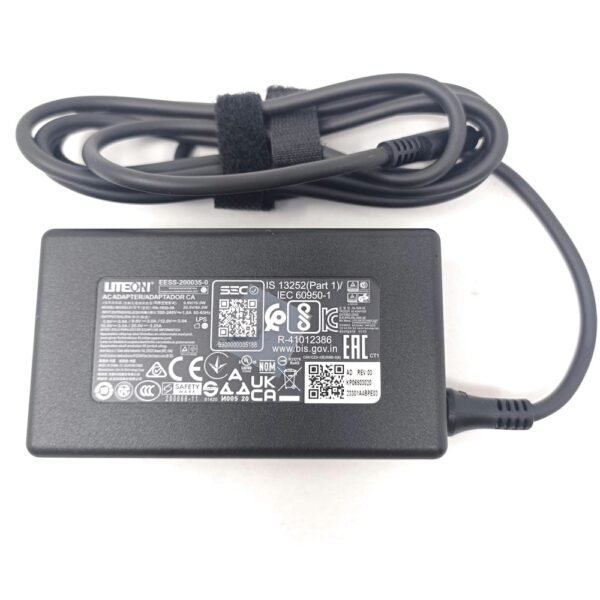
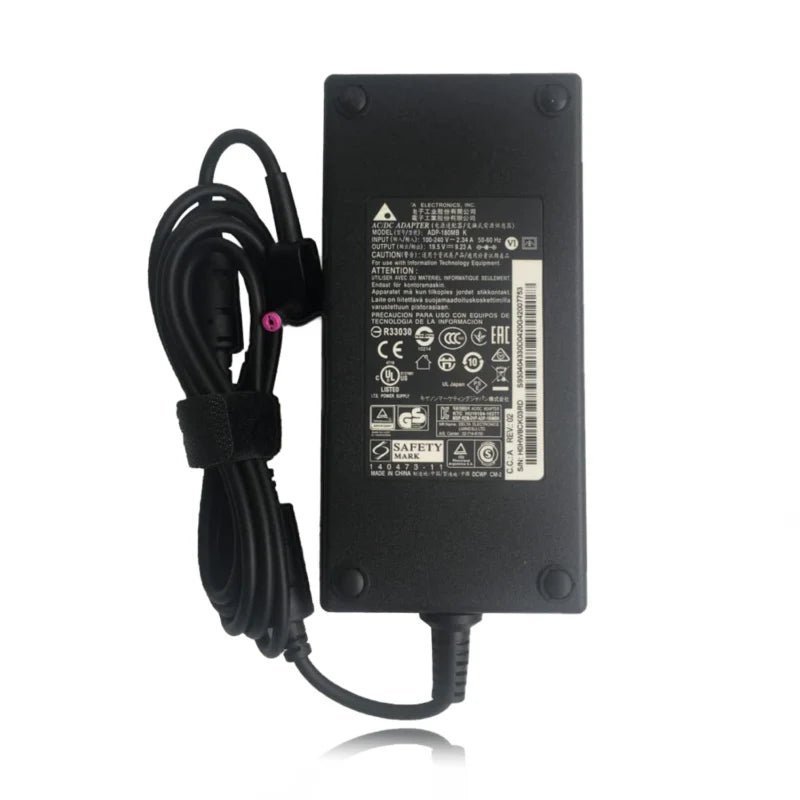
The right accessories keep your devices running: replacement laptop batteries and chargers restore portability, while quality cables and adapters prevent connection problems. When buying a laptop battery or charger, match the exact model number, voltage and connector of your laptop – our team can help you find the correct part.
-
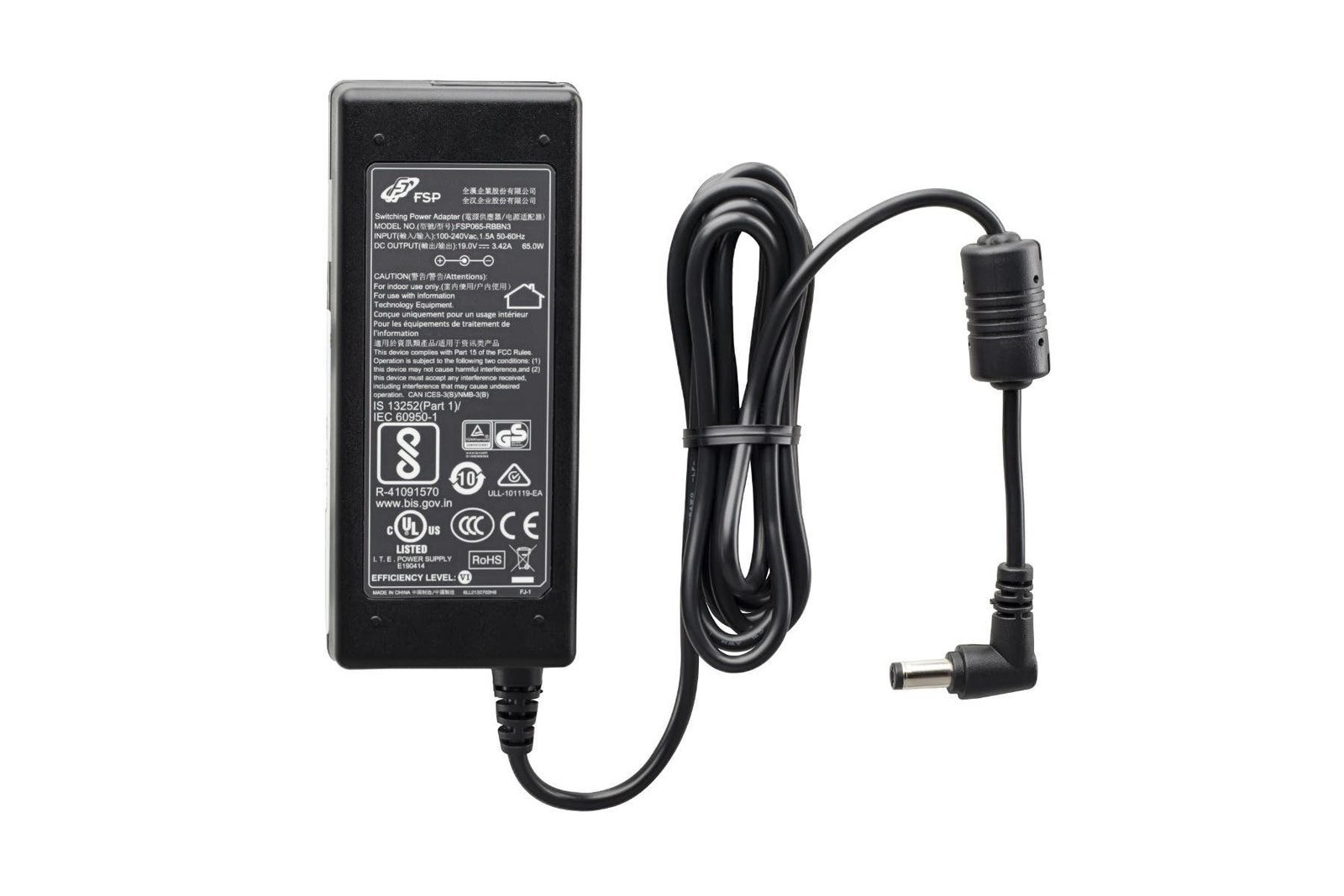
Acer Laptop Charger Adapter 65W 19V 3.42A with 5.5mm x 1.7mm Connector
Original price was: ₹1,040.00.₹957.00Current price is: ₹957.00. -
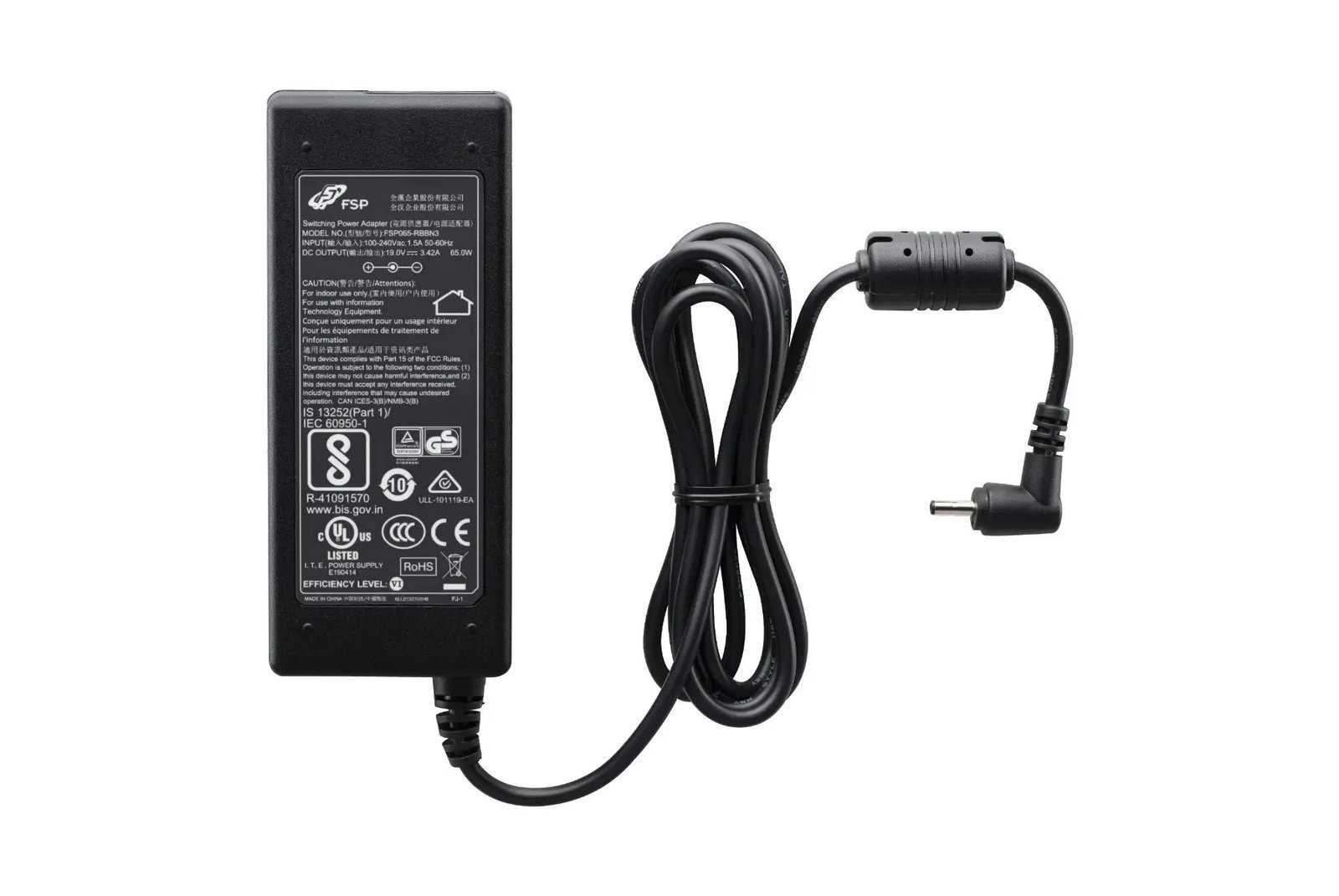
Acer Laptop Charger Adapter 65W 19V 3.42A with 3.0mm x 1.1mm Connector Tip
Original price was: ₹1,205.00.₹1,070.00Current price is: ₹1,070.00.

13. Deals & Offers
Looking to save? Our Deals & Offers section lists discounted PC components across every category. Prices change often, so check back regularly – and call us for bulk or business pricing.
-

Acer Predator Pallas II 32GB (2x16GB) DDR5 6000MHz CL32 Gaming Desktop RAM Kit – Black, Supports Intel XMP 3.0 & AMD EXPO
Original price was: ₹59,494.00.₹55,859.00Current price is: ₹55,859.00. -
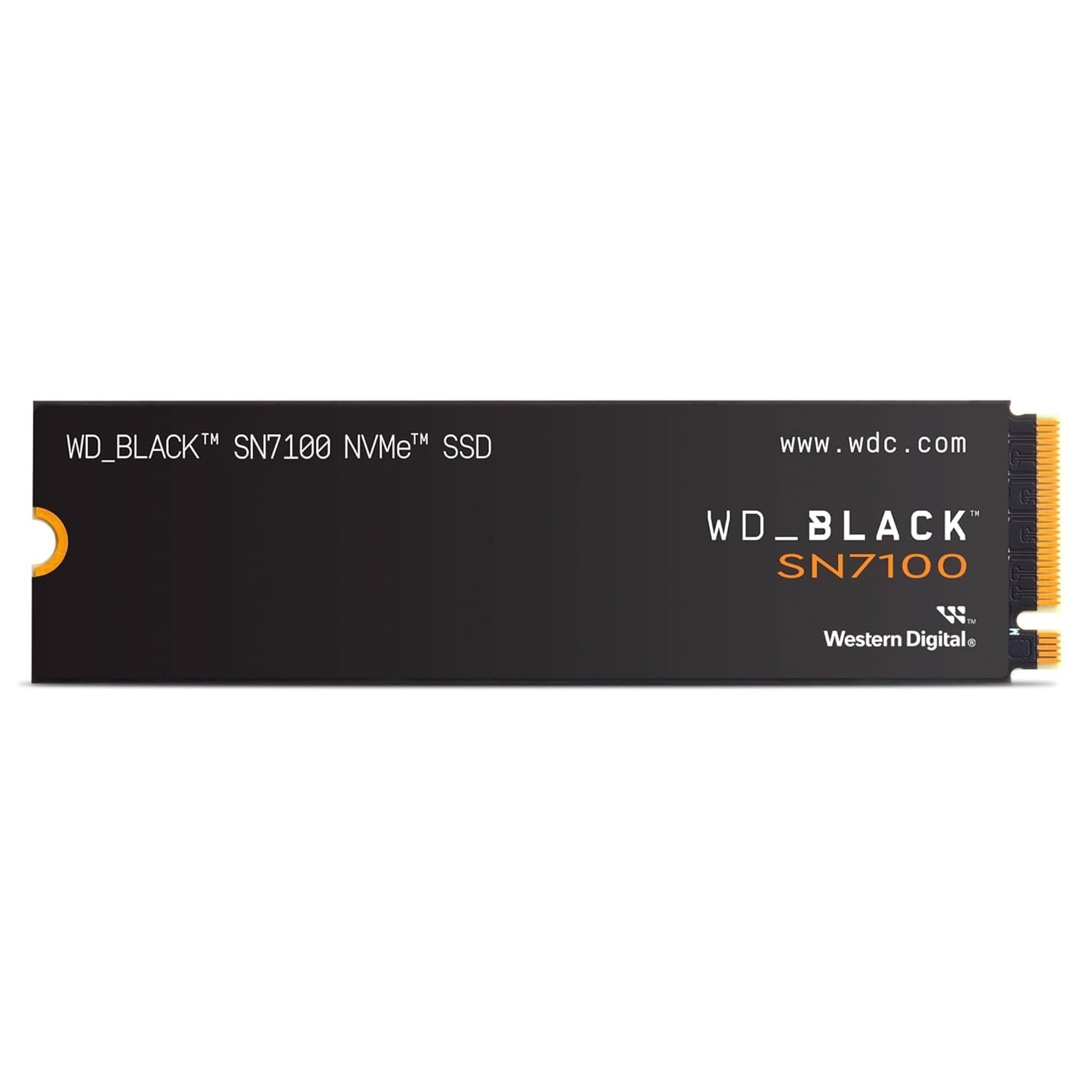
Western Digital WD_BLACK SN7100 2TB M.2 2280 NVMe PCIe Gen4 Internal Solid State Drive
Original price was: ₹33,729.00.₹32,830.00Current price is: ₹32,830.00.




14. Why Buy From Computer Selection?
- Since 2003: a computer hardware store on Lamington Road, Mumbai.
- GST registered: GSTIN 27AADPZ2668Q1ZO – a GST tax invoice with every order. See our certificates.
- Genuine products with manufacturer warranty as per brand terms.
- Expert advice: free compatibility help before you buy – contact us.
- Shipping across India with secure packing and tracking, or visit our store Monday to Saturday, 11 AM – 7 PM.
15. Frequently Asked Questions
Which is the most important part for gaming?
The graphics card has the biggest impact on frame rates, followed by the processor. A balanced build avoids one part holding the other back.
Should I buy DDR4 or DDR5?
For a new AM5 or recent Intel build, choose DDR5. DDR4 is mainly for upgrading existing AM4 or older Intel systems.
Do you help with PC builds?
Yes. Share your budget and use case, and our team will suggest compatible parts. Call +91 080696 40588 or email support@computerselection.shop.
Can I see the full product list?
Yes – browse our complete A–Z product index or the shop.
🛡️ 100% Genuine
Brand-new stock, manufacturer warranty
🧾 GST Tax Invoice
Input tax credit for businesses
🚚 Pan-India Shipping
Securely packed, tracked delivery
📞 Expert Help
+91 080696 40588
COMPUTER SELECTION
Genuine computer hardware from Lamington Road, Mumbai. GST-registered business serving customers across India.
GSTIN: 27AADPZ2668Q1ZO
Customer Care
About Us
🏆 Awards & GST Certificate
📘 PC Buying Guide 2026
📋 All Products A–Z
Contact Us
Shipping Policy
Return & Refund Policy
Privacy Policy
Terms & Conditions
Contact
366, 2nd Floor, Ahmed Mansion, Lamington Road, Corner of Chunam Lane, Above Standard Radio, Grant Road (E), Mumbai – 400007
📞 +91 080696 40588
✉️ support@computerselection.shop
🕚 Mon – Sat: 11 AM – 7 PM · Sunday closed
© 2026 Computer Selection. All rights reserved. | 🔒 Secure SSL Checkout